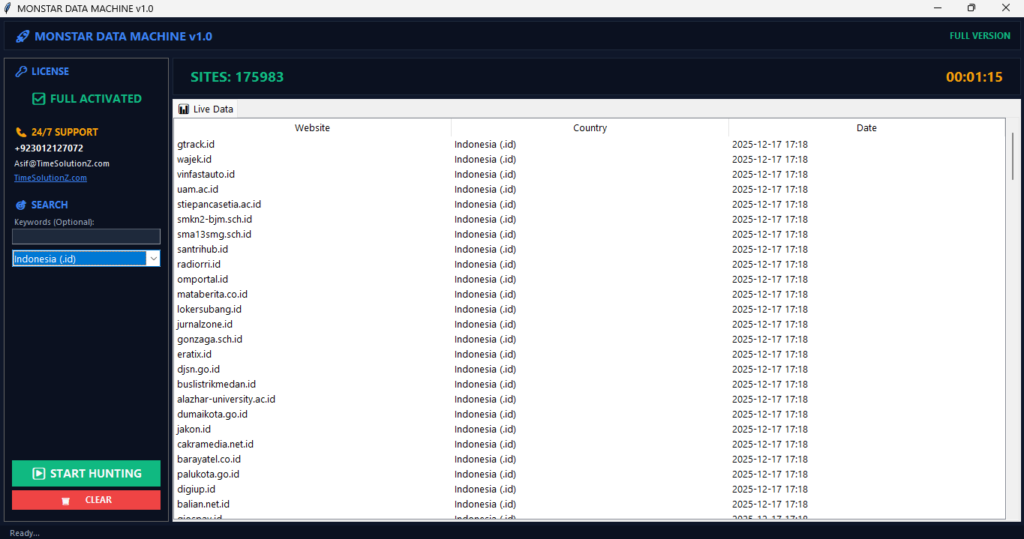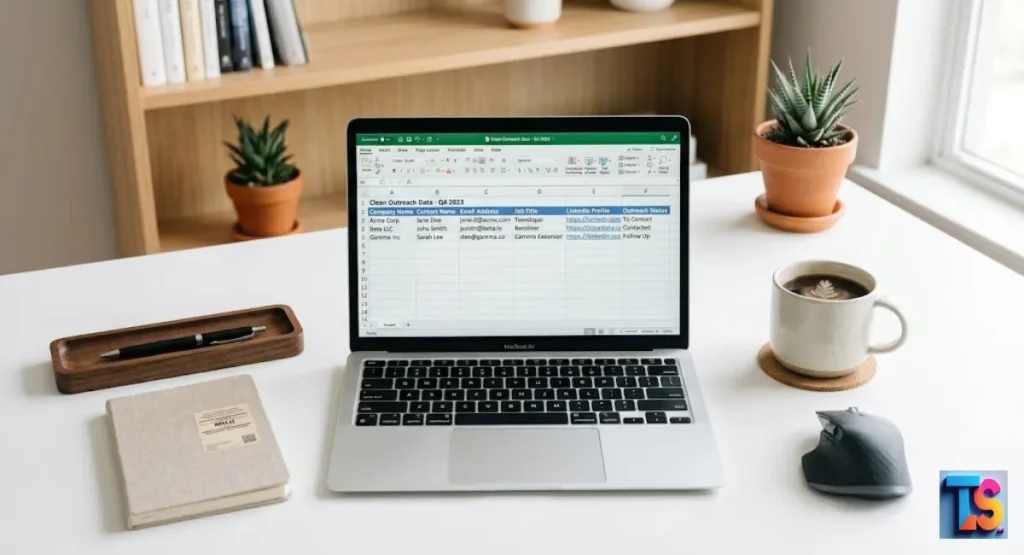
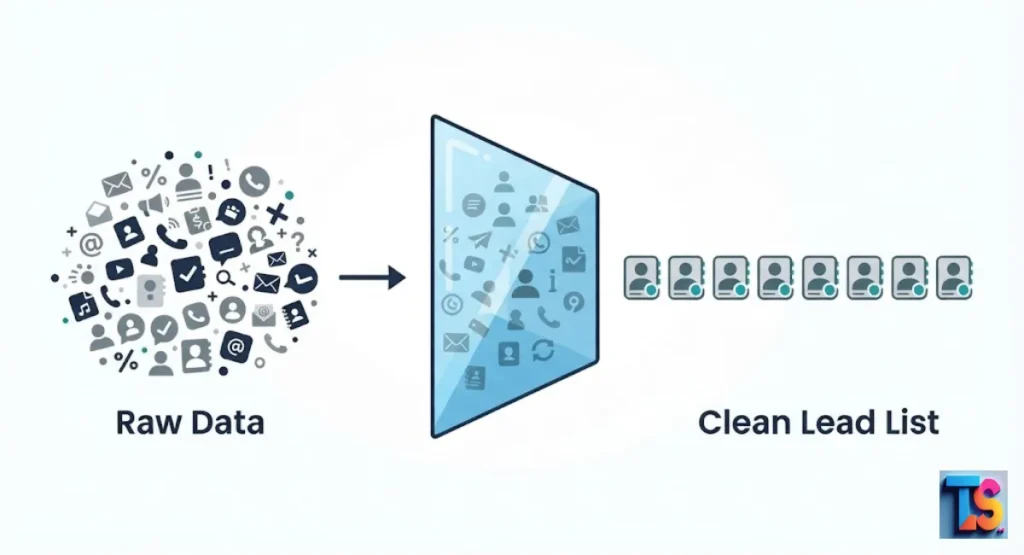
Cleaning your Raw Scraped CSVs for Outreach is the most important step to keep your email campaigns out of the junk folder. When you pull data from the web, it is often messy, full of errors, and packed with fake addresses.
If you send emails to these broken lists, your sender score drops fast. Providers will block your domain, making it impossible to reach real buyers. By using a smart cleaning process, you fix formatting issues, remove duplicate leads, and verify every single contact.
This simple habit keeps your email deliverability high and saves you money. Start cleaning your data today to ensure your sales prospecting actually leads to more replies and new revenue.
The Hidden Cost of Dirty Data in Modern Outreach
Dirty data causes high bounce rates. It ruins your domain reputation. Major providers will even blacklist your account.
When you send messages to accounts that do not exist, mail filters spot you as a spammer fast. Keeping a clean lead list is the best way to protect your setup and reach real buyers.
Sending emails to broken or messy addresses just wastes your cash. It also breaks your personal notes. This makes your business look bad.
If your software sends a message with a missing name or a broken link, the prospect will delete it. Clean files keep costs low. They protect your brand.
Why Standard Excel Cleaning Isn’t Enough for 2026
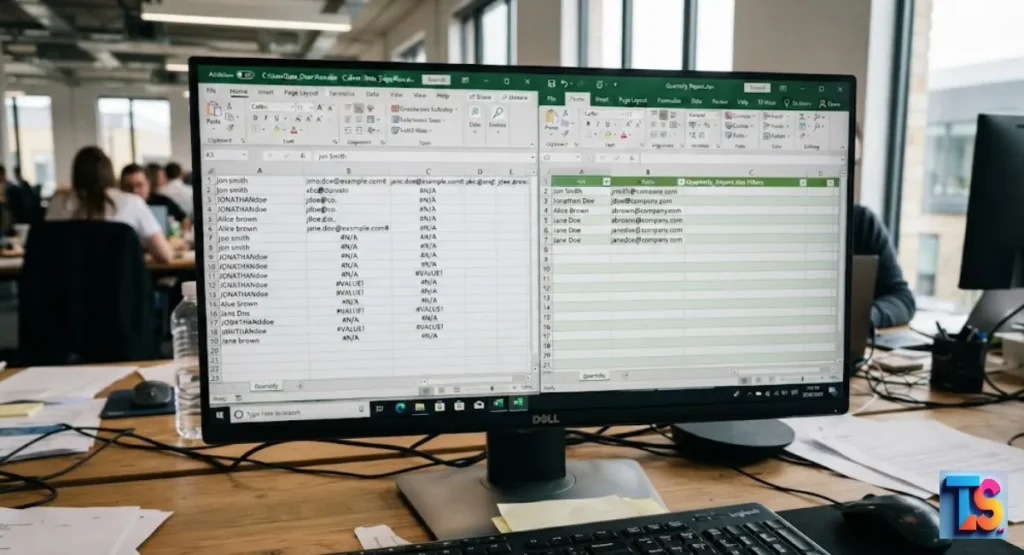
Standard spreadsheet programs fail often. They cannot handle hidden coding bugs, weird characters, or complex duplicates in web data. Old formulas usually miss broken text strings.
These cause your outreach tools to crash during an import. Relying only on manual spreadsheet fixes is way too slow. It adds human errors to your large lists.
Manual data fixing cannot grow with you. It fails when you have thousands of rows to check every week. Simple sorting filters in old programs often scramble rows. They completely miss mistakes in email addresses.
Modern lead generation needs automated workflows. You need to verify your data. Specialized cleaning pipes keep your data safe. They make it ready for smart software tools.
Step 2: Advanced Deduplication: Beyond Exact Matches
Advanced deduplication does more than just remove identical rows. It finds different entries that belong to the same person. Web scrapers often grab the same person many times from different sites with slight spelling changes.
Deleting these extra records stops you from sending the same email to one person twice. This protects your reputation.
If you email the same person twice in one morning, they will report you as spam. Simple deduplication only looks for exact matches in the email column.
But advanced cleaning compares many data points. This process shrinks your list down to unique, high-quality business contacts. Then, you press send.
Identifying Fuzzy Duplicates in Large Datasets
Fuzzy matching is a smart trick. It catches similar but not identical leads across your sheets. For example, it sees that “Jon Smith” and “Jonathan Smith” are the same person at the same company.
Finding these “lookalikes” lets you merge them into one perfect record.
You can spot these duplicates by checking the similarity score of names and their web domains. This process filters out incomplete entries. It ignores names that are too short or spelled wrong.
By blending these rows, you stop messy, repetitive data from hitting your sales sequences. You stop confusing your team.
Strategies for Merging Multi-Source Lead Lists
When merging B2B leads from niche directories, use a confirmed business email or a web domain to link records. Always trust the newest data, as people change jobs frequently.
Combine your separate exports into one file before you start cleaning, and always keep the row with the most info.
Step 3: Data Enrichment and Validation
Data validation checks if your contacts are real and active. It sees if they can get your messages. Even a perfect list will fail if the email accounts are dead.
Enrichment adds extra info. Think of current job roles or industry tags. This lets you send the right message to every prospect.
Validation software tests the connection to the email server. It does not send a live message. This step separates real corporate emails from dangerous spam traps.
Once validated, you can use enrichment to split your list into small, targeted groups. This helps you get better results.
Why Verification Must Precede Outreach
Email verification must happen first. It keeps your bounce rate low. It guards your accounts against suspension. Sending emails to non-existent addresses tells providers you use junk lists.
Removing dead accounts before you launch your campaign keeps your sender score high. Your boxes stay healthy.
Verification filters out fake email addresses and old domains. It catches syntax errors like missing letters or double symbols. These happen during scraping.
By removing these risky contacts early, you make sure your messages land in the main inbox.
Filling Missing Fields with AI-Powered Enrichment
Use AI-powered enrichment to look at the lead info you already have to find websites, locations, or job titles. This allows you to use smart variables and deep personalization.
Note that if you are performing advanced data harvesting & scraping, it is crucial to avoid IP blocking while scraping to ensure you get the high-quality, uncorrupted raw data needed for these enrichment tools to function effectively.
You can use systems to scan public profiles. They add missing job titles to your sheet. This lets you use smart variables.
You insert custom details into your templates easily. Keeping your enrichment data fresh ensures your message matches the current situation of your prospect.
Step 4: Formatting for CRM and Automation Platforms
Formatting your clean data for a sales platform ensures files upload smoothly. No errors. Every outreach tool needs a specific structure.
Think of date layouts or mandatory headers. Preparing your CSV file correctly avoids broken records. It keeps your automation running well.
Save your final file using a layout that your platform knows. Check that your columns line up with the fields in your software. This prevents data from landing in the wrong place.
Test a tiny sample of your list first. Make sure it works before you upload your whole database.
Preparing Your CSV for Seamless Integration
Export your final lead list as a plain CSV file. No fancy grid styles. No bright colors. No merged cells. Your top row must feature clear, unique field names.
These must match your database layout exactly. This clean structure helps your sales software work fast. No errors.
Strip away all custom fonts and decorations. Make sure every row has an email address. Rows without one cause import failures.
Removing hidden test data keeps your file size small. Your system imports will be perfect.
Creating Custom Fields for Personalization at Scale
Custom fields hold unique data like business interests or recent company news. Your outreach software reads these columns. It swaps generic text for personal details for every recipient.
This deep personalization makes mass emails feel like custom notes. It boosts your reply rates.
Create distinct columns for company names, industry types, and icebreaker notes. Use these columns as dynamic tags in your templates.
They update automatically for each contact. Keep your labels short. Your team will manage them without mistakes during setup.
The AI + Human Workflow: When to Automate and When to Audit
Automated systems are great. They handle fast, repetitive tasks. Think of deleting duplicates, fixing text, and checking email syntax.
These rules are easy and run fast. But you should always have a human look at a sample of the data. They catch context mistakes that software misses.
Let bots do the heavy lifting. Process 90 percent of your raw data files with them. Use human eyes to check if personal fields sound natural.
Verifying a small sample helps you spot weird errors. This blend gives you the speed of software. Plus the safety of human judgment.
Best Practices to Maintain Data Hygiene in Your Pipeline
Data hygiene needs a schedule. Don’t just do it once before a campaign. Always save a raw copy of your original file.
Put it in a secure backup folder before you touch it. Audit your active lead lists often. Remove old, unengaged contacts. This keeps your pipelines running.
| Action | Frequency | Goal |
| De-duplication | Every import | Remove repeats |
| Email Validation | Monthly | Prevent bounces |
| Data Enrichment | Quarterly | Add fresh context |
| CRM Audit | Every 6 months | Clean inactive leads |
FAQs
How often should I re-verify my scraped CSV data?
You should verify your lead data within 48 hours before you start any new outreach. Business emails change often. People leave jobs. Companies close. If your contact list is older than 30 days, run a fresh check. It protects your reputation. It keeps deliverability high.
Can I clean my data directly inside my CRM?
Most CRMs find basic duplicates. But they lack tools to fix broken codes or do deep validation. Cleaning your CSV file before you import it prevents your platform from getting cluttered. It is always faster to fix files outside your main system.
What is the most common reason for high bounce rates in scraped lists?
The main cause is sending messages to unverified lists. Web scraping tools collect everything. They grab old accounts, typos, and inactive boxes. Using a dedicated validation step is the only way to remove these bad contacts. It protects your account.
Is it possible to automate the cleaning of recurring CSV exports?
Yes. You can automate this entire process. Set up custom data pipelines or workflow tools. When a new file lands in your folder, your script can instantly format headers, delete duplicates, and check email validity. This keeps your lists fresh. You get ready-to-use campaigns without the daily manual work. The bottom line is.