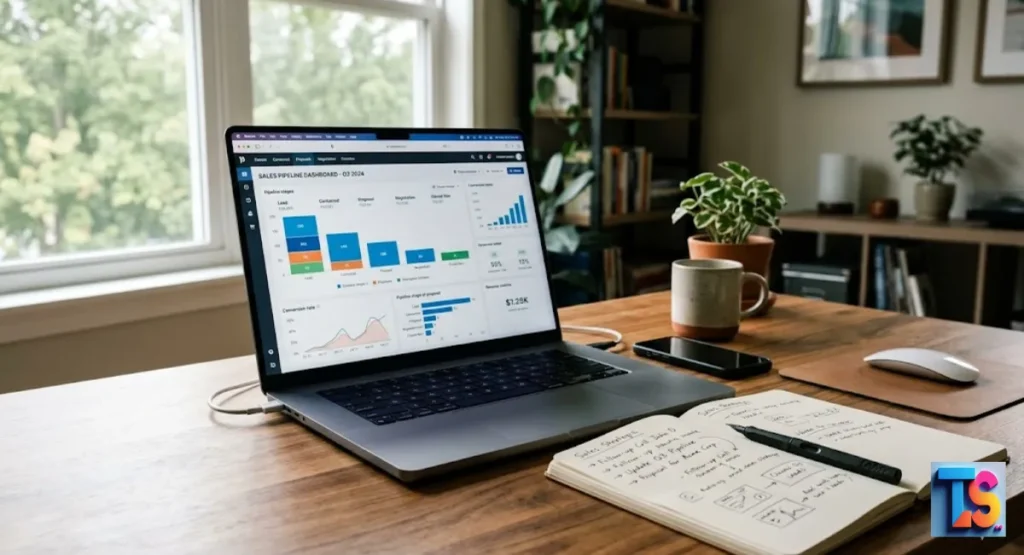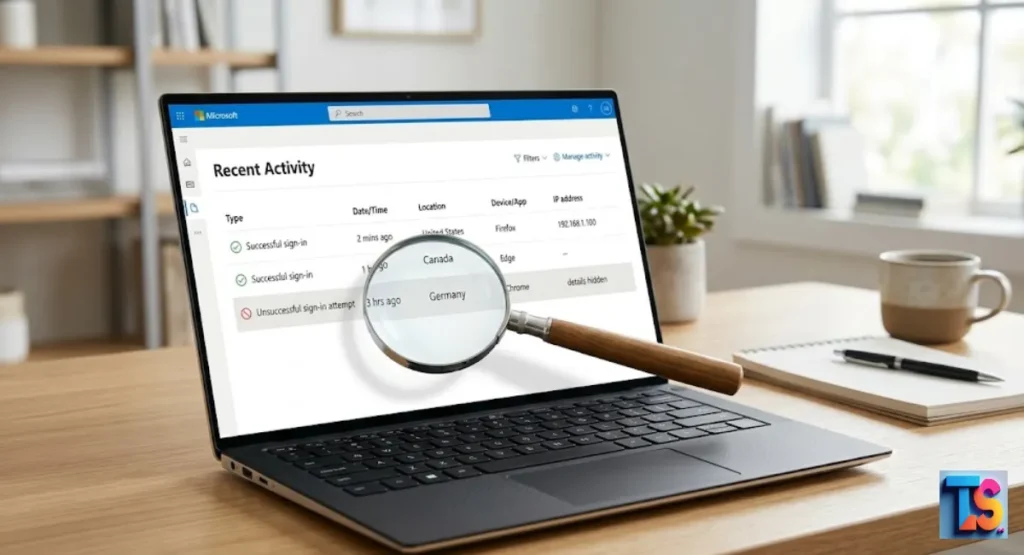
Is your account safe? It is a scary thought, but knowing how to check if your Outlook email has been hacked is a must. Hackers work fast to steal your data, but you can stop them. By watching for small signs, you keep your digital security strong.
You might notice weird logins or strange emails sent from your name. These are big red flags. If you see them, act fast. Check your account activity logs right away. It is the best way to see if a stranger is inside.
Taking these simple steps now protects your personal information and keeps your inbox private. Stay alert and keep your online account safe today.
Signs Your Outlook Account May Be Compromised
| Sign | Indicator | Risk Level |
| Sign-in Activity | Unknown locations or IP addresses | High |
| Forwarding Rules | Emails sent to unknown addresses | Critical |
| Sent Folders | Unfamiliar messages or spam | High |
| Access Loss | Password or recovery info changed | Critical |
| Contact Reports | Friends receiving suspicious links | High |
Unusual Sign-in Activity
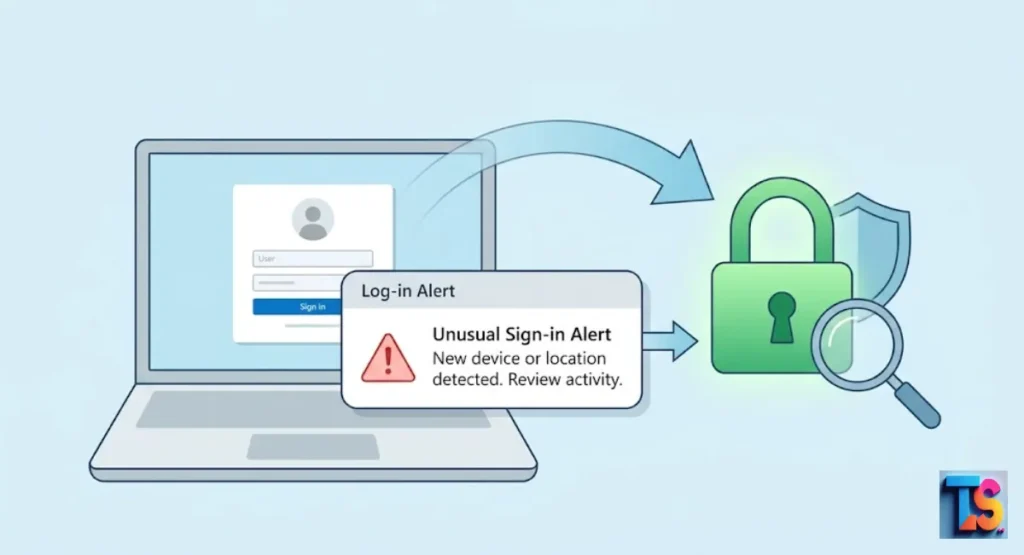
You should check your sign-in activity logs to see if strangers have accessed your account from new, unknown places. Look closely at the city, country, or specific device type for every login entry.
If you see a login from a location you never visited, someone else probably has your secret login details today. You must fix this security issue right away.
Microsoft keeps a full log of every time someone tries to sign in to your account. This makes it very easy for you to spot entries that do not match your normal daily routine, geographical location, or typical hardware device profile.
Always check these logs frequently to stay ahead of any potential account intruders. It helps. Stay safe.
Unrecognized Email Forwarding Rules
Check your email settings immediately to see if new rules automatically send your incoming mail to a different address. Hackers often add these rules so they can keep reading your messages even after you change your password.
If you find a forwarding rule you did not create, delete it from your settings right now to protect yourself.
Hackers often create rules to automatically forward your incoming mail to their own addresses. Check your Outlook settings under Rules or Forwarding.
If you find a rule that sends copies of your emails to an address you do not know, delete it immediately. This is a primary method used to maintain long-term account access. Stop them. Delete now.
Strange Emails in Sent or Deleted Folders
Open your Sent folder and look for messages that you do not remember writing yourself. Attackers use your account to send spam or phishing links to your friends and coworkers.
If you see messages asking for money or sharing odd attachments, someone is using your name to spread dangerous links to other people. You must stop this bad activity.
Check your Sent folder for messages you do not remember sending. Attackers often use compromised accounts to distribute phishing links to your contacts.
If you see emails asking for money or sharing suspicious attachments that you did not create, your account is being used to spread harm, which may hurt your email reputation score. It hurts. Take action.
Inability to Access Your Account
If you cannot sign in to your email because your password does not work, you might be locked out. Hackers often change your recovery email or phone number first so you cannot reset the password yourself.
If this happens, you must use the official Microsoft support page to prove your identity and get back your personal account data.
The most obvious sign of a total takeover is being locked out of your account. If your password no longer works and the recovery email or phone number has been changed, the attacker has gained full control.
This requires immediate intervention through official Microsoft account recovery support channels to prove ownership and reclaim your account. Don’t wait. Act fast.
Reports from Contacts About Suspicious Emails
Ask your friends or coworkers if they received weird emails from your account recently. If they tell you that you sent them odd links or files, your account is being used to send spam.
This is a common sign that someone else has control and is sending messages to your contacts to spread malware. You should check your device now.
Friends or colleagues may tell you they received weird emails from you. If people ask about strange links or documents you supposedly sent, it confirms that your account is sending mail without your consent.
This often happens after your account has been breached for the purpose of spreading malware or harvesting sensitive lead data. It spreads fast. Be alert.
How to Verify Your Outlook Account Security
Reviewing Recent Sign-in Activity
Go to the Microsoft security dashboard and click on the activity tab to see recent logins. If you think your account is at risk, you should check your account’s recent activity to see exactly who logged in.
Look at every single entry for an IP address or device that you do not know. If you spot a login that is not yours, click the button that says this was not me to stop unauthorized access. This will block the hacker immediately.
Log in to your Microsoft account dashboard and navigate to the Security tab. Select View my activity. This page displays every recent sign-in, including the IP address, device, and browser.
If you see an entry you do not recognize, select This wasn’t me to trigger security protocols and protect your account from further unauthorized access. Just click. Stay secure.
Checking for Unauthorized Email Rules
Navigate to your settings menu and open the section for mail and rules. Scan every rule in the list to make sure you know what each one does.
If you see a rule that moves emails to a hidden folder or sends them to a new address, delete that rule to stop the activity. This keeps your inbox safe from online thieves.
Go to your Outlook settings and select Mail then Rules. Look through every active rule for anything suspicious. Attackers often hide rules that move mail to the trash or forward it externally.
Delete any rule that you did not create yourself. This helps ensure your incoming communications remain private and are not being harvested. Be careful. Check rules.
Inspecting Connected Third-Party Apps
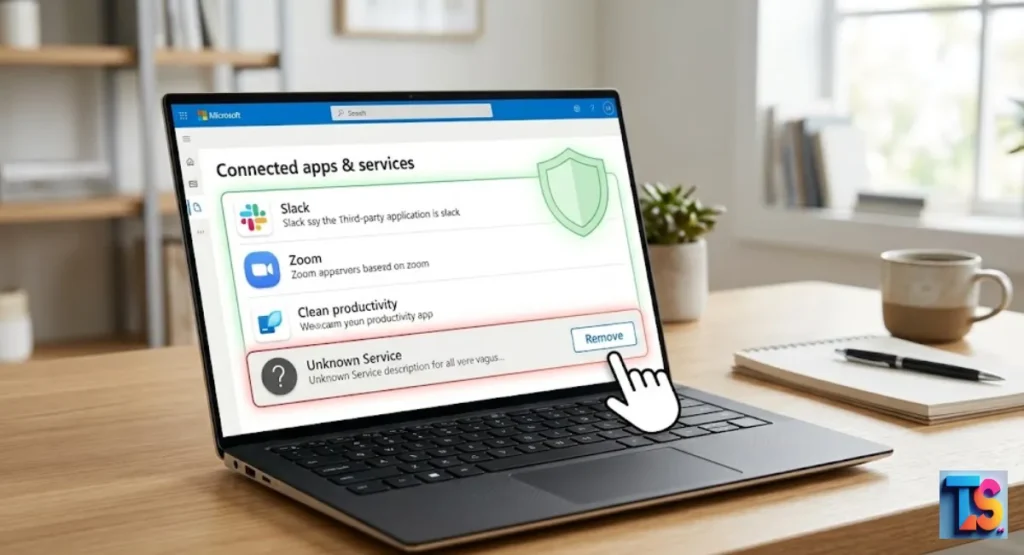
Check the privacy settings in your Microsoft account to see which apps have permission to access your email. Look for any app that you do not recognize or that you stopped using a long time ago.
Remove the permissions for these apps immediately to stop them from seeing your private mail or contact list. You need to do this today.
Some attackers grant permissions to malicious third-party apps to maintain access to your data. Go to your Microsoft account privacy settings and check Apps and services.
If you see apps with permission to Read and send mail that you do not recognize, remove their access immediately to cut off their connection to your workspace. Remove apps. Stay clean.
Examining Account Alias and Recovery Information
Check your account profile to make sure your recovery phone number and backup email are still yours. Sometimes hackers add their own email as an alias so they can get into your account later.
Remove any phone number or email address that you did not personally add to your account for your own safety and security.
Verify that your recovery email and phone number are still correct. Hackers may add their own email address as an alias to regain access later. Ensure that only your verified contact methods are listed.
If you see an extra email address or phone number that you did not add, remove it right away for safety. Protect info. Lock up.
Why Attackers Target Outlook Accounts
Attackers love to target Outlook accounts because they serve as a perfect gateway into professional business networks and large lead lists. Hackers want to use your established email reputation to send massive amounts of phishing messages.
This lets them bypass spam filters and trick your business partners while avoiding typical daily email limits. You must protect your account settings.
Attackers target Outlook accounts because they provide a gateway to professional ecosystems and high-value lead databases. By 2026, security trends show that hackers prioritize accounts with established history to bypass filters.
Once inside, they exploit your reputation to launch massive phishing campaigns, often ignoring Safe Daily Cold Email Limits Per Workspace to maximize illicit reach.
Steps to Take If You Are Hacked
| Action Step | Priority |
| Change Password | Critical |
| Revoke Sessions | Critical |
| Reset MFA | High |
| Scan for Malware | High |
| Notify IT Dept | High |
Change Your Password Immediately
Pick a brand new, very strong password that you have never used on any other website. Make sure it uses a mix of uppercase letters, lowercase letters, numbers, and symbols.
Update your password on the official Microsoft website right away to block the attacker from your account and protect your personal profile settings for good. Do it now.
Create a strong, unique password that you have never used before. Use a mix of upper and lower case letters, numbers, and symbols. A long passphrase is often more secure.
Update your password on the official Microsoft website to ensure the attacker is locked out of your profile settings and cannot regain access using old credentials. It is easy. Do it.
Revoke All Active Sessions
Go to your account security settings and choose the option to sign out everywhere. This simple action forces every device currently logged into your email to stop working immediately.
It is a vital step because it kicks the attacker out of your account even if they are currently logged into your active email session. You must click this setting.
After changing your password, go to your security settings and choose Sign out everywhere. This forces all devices, including the attacker’s computer or phone, to log out immediately.
This is a critical step to ensure that the hacker cannot continue using your existing session to access your files or monitor your future email communications. Kick them out. Logout now.
Enable or Reset Multi-Factor Authentication
Turn on multi-factor authentication if it is not already running on your account. If it is already on, reset your security information to make sure only your device gets the login codes.
Using two-step verification adds an extra layer of security that requires a code from your phone, which stops most hackers from logging in with just a password. You should enable this option today.
If you do not have Multi-Factor Authentication (MFA) turned on, enable it now. If it was already on, reset your security info. This adds a second layer of protection, requiring a code from your phone to sign in, which makes it much harder for attackers to get back into your account even with your password.
Add locks. Be safe.
Scan Devices for Malware
Use a good antivirus tool to scan your computer and your phone for any hidden viruses. Sometimes a hacker gets your password using a tool called a keylogger on your own device.
Scanning your machine and removing any bad software ensures that your brand new password will not be stolen by the same virus. This step is very important.
Run a full scan on your computer and phone using updated antivirus software. If your account was hacked, your device might be infected with a keylogger that stole your password in the first place.
Clearing your devices ensures that any new password you create will not be stolen again by existing hidden malicious background software. Scan it. Kill bugs.
Notify Your IT Department
If you use your account for work or school, you must tell your IT team right away. They can help you check for any other strange activity in the system and secure your files.
They also have the power to stop the hacker from using your account to harm your entire company or organization. Please contact them quickly today.
If this is a work or school account, inform your IT department instantly. They have tools to scan your account for suspicious activity across the entire organization.
They can also revoke access to corporate resources and help you recover the account without risking the security of the company network, ensuring professional operations continue safely. Tell them. Call now.
How to Prevent Future Outlook Breaches
Using the Microsoft Authenticator App
Download and use the Microsoft Authenticator app to make your account much safer than it was before. It uses push notifications or fingerprint scans instead of weak text message codes.
This makes your account nearly impossible for typical hackers to break into, as they cannot get the approval from your personal mobile device. Install it on your phone.
The Microsoft Authenticator app is the safest way to sign in. It replaces traditional passwords with push notifications or biometric scans. It is much more resistant to phishing than SMS-based codes.
Using this app makes your account nearly impossible for standard attackers to breach, effectively securing your workspace against common unauthorized access attempts in 2026. Get the app. Stay safe.
Regularly Auditing Security Settings
Put a note on your calendar to check your security dashboard once every month. Spend a few minutes looking at your recent login history and your current email rules.
Doing this simple task helps you find and stop any unauthorized changes before they grow into a big problem for your important work files. This habit saves your data.
Set a reminder to check your security dashboard once a month. Review your sign-in history, active rules, and connected apps.
Small, consistent checks allow you to catch unauthorized access or configuration changes long before an attacker can cause significant harm to your digital life, Cold Outreach & Deliverability, or your professional email reputation and deliverability. Keep checking. Audit often.
Avoiding Sophisticated Phishing Campaigns
Be very careful when you receive emails that tell you to click a link to sign in or update your account. Only trust emails that come from the official Microsoft domain.
Learn how to recognize phishing email messages so you don’t fall for fake login scams. This rule keeps you safe.
Be cautious of emails that demand urgent action or ask you to sign in to a Microsoft portal. Always check the sender’s actual email address. Never click links in unexpected emails.
To Write Low-Spam-Score Cold Emails or maintain account health, always verify the source of requests through official channels rather than clicking links inside unsolicited messages. Don’t click. Stay smart.
FAQs
How can I tell if a suspicious email is actually from Microsoft?
Check the email domain to ensure it ends in microsoft.com before you click anything. If it asks for your password or has a link to “fix” your account, it is a scam. Manually type the address into your browser instead. Check the sender. Stay safe.
Will changing my password kick the hacker out of my account?
Changing your password is a great start, but you must also sign out of all active sessions. If you do not force a logout, the hacker might keep access through an open connection. Use the “sign out everywhere” setting to block them. Logout now. Lock doors.
How do hackers bypass MFA on Outlook?
Hackers use tricks like flooding your phone with login requests to make you click “approve” by mistake. They also use fake sites to steal your session code. Always check the login location before you click approve. Look close. Be smart.
What is the most important step to take after a security breach?
The most important step is to change your password and end all active sessions at the same time. This stops the hacker from getting back in immediately. Once you secure the account, you can clean up your rules and settings. It saves you. Take action.
The Bottom Line
That securing your Outlook email requires constant attention to your account activity and settings. By recognizing the warning signs and using modern tools like the Microsoft Authenticator app, you can effectively protect your data from unauthorized access.
Stay proactive, audit your security regularly, and keep your contact details updated to ensure your digital workspace remains safe from threats in 2026. This also helps you Fix Dropping Open Rates After Bulk Scraping by keeping your account clean and trustworthy. Keep it safe. Do it now.