Successfully connecting with prospects in 2026 requires more than just a great product; it demands a strategy that respects inbox filters. Many marketers struggle because they blast messages that feel like automated junk, leading to low engagement and blocked domains.
When you learn how to write low-spam-score cold emails, you shift your focus from mass broadcasting to building genuine professional relationships. By mastering technical authentication and crafting highly relevant, human-centered content, you ensure your message arrives exactly where it belongs: the primary inbox.
This approach not only protects your sender reputation but also helps you achieve better results. Let’s explore how to refine your Cold Outreach & Deliverability for maximum impact and consistent, sustainable success.
Understanding What Triggers Spam Filters in 2026
Why Cold Emails Hit Spam Filters
Modern filters watch your history. They watch how people react to your mail. If you send too much at once, or if people just ignore your messages, you get flagged. Filters look for clues that a machine is sending the mail.
They want to see a professional reaching out to one person at a time. It needs to feel like a real talk, not a blast.
The Role of Engagement Signals
Providers track what people do with your mail. If users delete your note without opening it, or hit the “spam” button, you lose. Your reputation drops fast.
But, if people reply or open your mail, that is great news. It tells providers you are a safe sender.
You can boost these signals by asking simple questions. Keep the focus on the reader. Only reach out to people who actually need your help.
The Impact of Technical Infrastructure
Your tech setup is the base of your success. If your records are missing, servers cannot prove who you are. They will think you are a trickster.
You need to set up your records to tell the world you are a pro. If these files are wrong or missing, you will have trouble.
This is why many teams struggle to Fix Dropping Open Rates After Bulk Scraping. You must align your domain with your sending tool.
Technical Prerequisites for Safe Cold Email Outreach
Authenticating Your Domain: SPF, DKIM, and DMARC
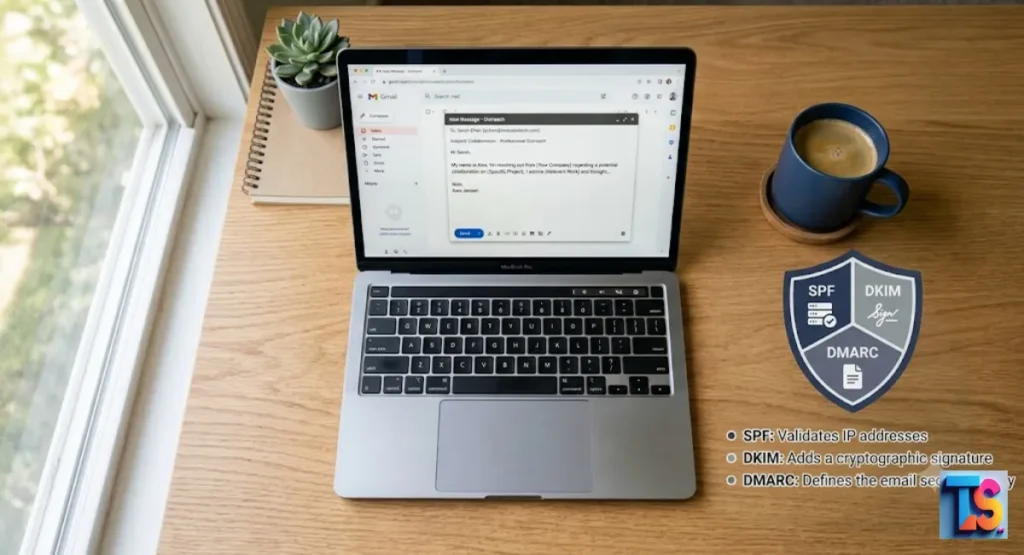
These three rules are a must. SPF tells others which computers can send your mail. DKIM adds a hidden digital sign.
DMARC tells servers what to do if the mail fails a check. Think of this as your digital ID.
| Protocol | Purpose |
| SPF | Lists allowed sender IPs. |
| DKIM | Adds a secure signature. |
| DMARC | Gives instructions on failed checks. |
Without these, you look like anonymous spam. You get blocked fast.
If you ever wonder how to check if outlook email has been hacked, start by checking these security records. A clean setup is your first line of defense.
The Importance of a Separate Sending Domain
Don’t use your main company domain for cold mail. Use a side domain instead. If that domain gets blacklisted, your main site is still safe. It keeps your core business running smooth.
Your secondary domain should sound like your main brand. If your site is “example.com,” try “getexample.com.” This lets you test new ideas without any big risks.
Warming Up Your Inbox and Sender Reputation
A new domain has no fame yet. You have to build it up. Send a few emails. Slowly send more over weeks. Use smart tools to open, read, and reply. This fakes human steps.
If you manage many accounts, watch your Safe Daily Cold Email Limits Per Workspace. Aim for 30 to 50 emails a day max per inbox. Warm it up for four weeks. This proves you are real.
Writing Content That Evades Spam Filters
How to Avoid Trigger Words Without Losing Impact
Filters hate pushy sales words. Don’t use “guarantee,” “free,” “act now,” or “cash.” Use normal words instead. Be helpful. Don’t be pushy.
If it sounds like a noisy TV ad, it is too much. Just make a suggestion. Be calm. This keeps you under the radar of machines.
The Ratio of Links to Text
Too many links look like a trap. One clear link is plenty. If you add too many, or too many images, you get marked as junk. Keep it simple. Keep it text-heavy.
If you need to share a lot of info, tell them you can send more later. This keeps the email looking like a regular note.
Avoiding Attachments and Tracking Pixels
Attachments often carry viruses. Filters block them. Never attach files to a cold email. Also, watch your tracking pixels. Too much tracking hurts.
Use standard ways to see results. Don’t go overboard. If you need to share a doc, link to a safe page on your site. Keep it simple. Avoid hidden scripts.
Avoiding the Mass-Broadcast Formatting Trap
Fancy designs look like ads. They go to the promotions tab. Avoid big HTML, weird fonts, or complex layouts. Your cold emails should look like a note from a friend.
Use plain text. No images. This makes your mail feel human. Plain text works on every device. It avoids the “promo” label.
Balancing Personalization with Spam Safety
Signal-Based Personalization vs. Template Fatigue
People know a template when they see one. It looks fake. Use real data instead. Mention recent company news. Mention a mutual friend. Talk about a problem they face right now.
This shows you did your homework. Avoid generic greetings. If you can’t find a detail, talk about their industry. Research beats volume every time.
Using AI to Generate Relevance
Use smart tools to look at public data. Make a unique opening line. Make the email impossible to ignore. Give them a new insight. If you offer real value, it feels like a chat.
Let the tools do the boring work. You just check the final result. Use tech to get the human touch.
Structuring Emails for Skimmability and Mobile
Most folks read on their phones. Keep paragraphs short. One or two sentences. Use bullet points. Make it easy to scan. If they get your point in five seconds, they will reply.
Don’t use big blocks of words. Mobile users will swipe away. Use punchy sentences. Make it clear.
The Anatomy of a High-Reply, Low-Spam Email
Subject Lines: Creating Intrigue Without Clickbait
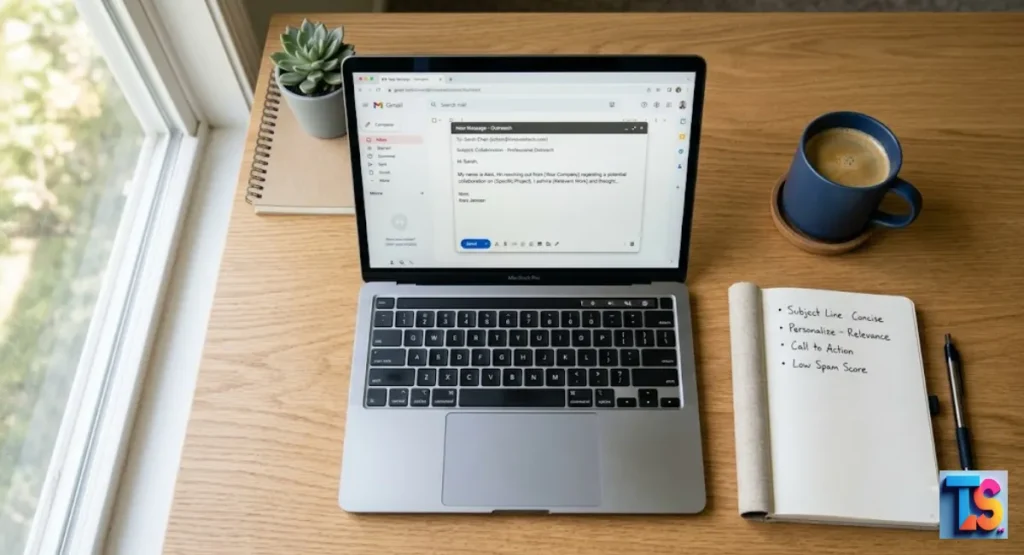
Keep the subject short. Don’t use all caps. Don’t use crazy dots or symbols. It should sound like a note you already started. Give them a reason to click, but don’t lie.
A boring but honest line is better than a fake one. Focus on what they care about.
The Opening Hook: Leading with Insight, Not a Pitch
The first sentence matters most. Don’t talk about yourself. Talk about their pain or their business. If you lead with a smart idea, you look like an expert.
If you lead with a pitch, you look like trash. Think of it as a talk, not a sale.
The Low-Friction Call-to-Action Strategy
Ask for something small. Don’t demand a big meeting. Ask if they are open to learning more. Ask if an idea helps. Let them say yes without pressure.
A question beats a demand. This leads to more replies. Replies are the best way to stay out of the spam folder.
Best Practices for Sign-Offs and Unsubscribe Links
Always sign off like a pro. Give a way to opt out. A hidden link makes people mad. They will hit “spam.” Being clear builds trust.
A simple “Best, [Your Name]” works great. Add your address and an unsubscribe link in the footer. This follows the rules. It proves you are a good sender.
Managing Sending Behavior and Sequences
Optimal Sending Volumes and Pacing
Don’t send hundreds at once. Space them out all day. Big spikes look like bots. A steady pace is better. It is more sustainable. It keeps you off the blacklist.
Respect the speed limits of the other server. Go slow. Slow growth is the only way to prove you are human.
Sequencing Follow-Ups Without Becoming a Nuisance
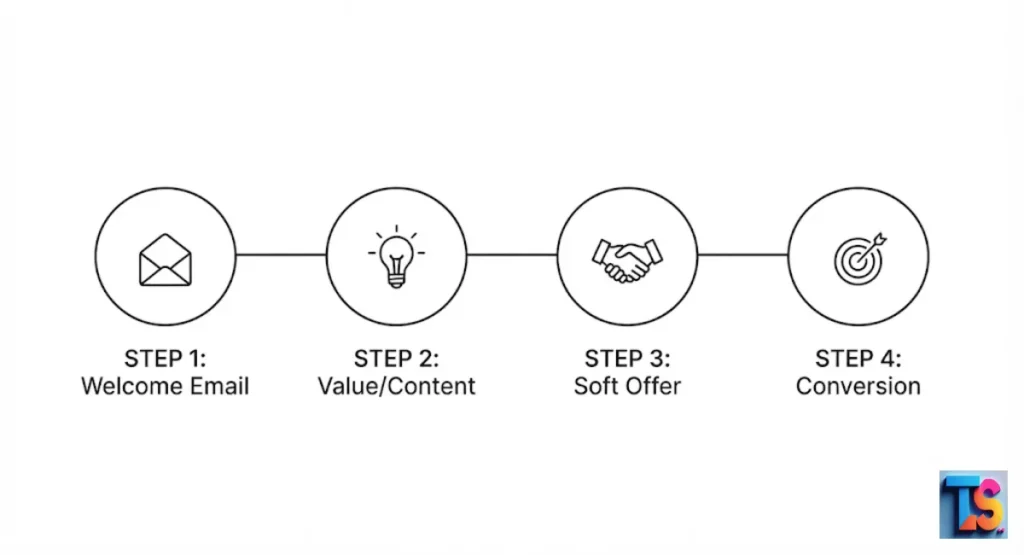
Follow up three or four times. Wait two or three days between them. If they don’t reply, stop. Stop wasting time on people who aren’t interested.
Don’t just say “just checking in.” Offer something new each time. If they don’t respond, move on.
Monitoring Sender Reputation in Real-Time
Check if you are on a blacklist. Watch your bounce rates. If they go above 2 percent, clean your list. Fix it fast. Catching it early saves your domain.
Proactive work is the sign of a pro. It is the best way to keep sending mail.
Best Tools to Audit Your Cold Email Spam Score
Test your mail before you send. Catch errors early.
| Tool Category | Recommended Use |
| Deliverability Testers | Use GlockApps or Mail-Tester to verify records. |
| Spam Checkers | Use Postmark or SpamCheck to see if your words trigger filters. |
| Reputation Monitors | Use Google Postmaster Tools to track domain health. |
Troubleshooting Spam Issues
If your mail hits spam, stop everything. Check your tech settings. Look at your words. Did you get too pushy? Did your bounce rate jump?
Fix these things first. Check your list. If the list is bad, fix it. Only start again when you are sure it is right.
The bottom line is, cold email success comes from being a trusted sender. Do not blast people. Personalize your work. Keep your tech clean.
Help people out. Stay consistent. It is a marathon, not a sprint. Keep working at it.
FAQs
What is a good spam score for cold emails?
A zero is best. Most tools use a 10-point scale. Aim for a score under 2. Even small issues add up. Strive for perfect settings. Check this every week.
Should I use a dedicated tool to check my email spam score?
Yes. You need an outside view. These tools see what filters see. It saves you time. It stops problems before you launch. Regular testing is a must for any real pro.
Does the time of day I send my email affect my spam risk?
Yes. Odd hours look like machine activity. Send during the day. Match the local business time. This looks like human work. It gets better results.
How does buying email lists impact my sender reputation?
Buying lists is a huge risk. They are full of traps. These traps catch spammers. You will get blocked. Build your own list. Do it the right way.
Is it possible to recover a damaged sender reputation?
Yes, but it takes time. Stop all big sends. Fix your tech. Send only to a few trusted folks. Grow slowly. Be patient. There is no shortcut here.