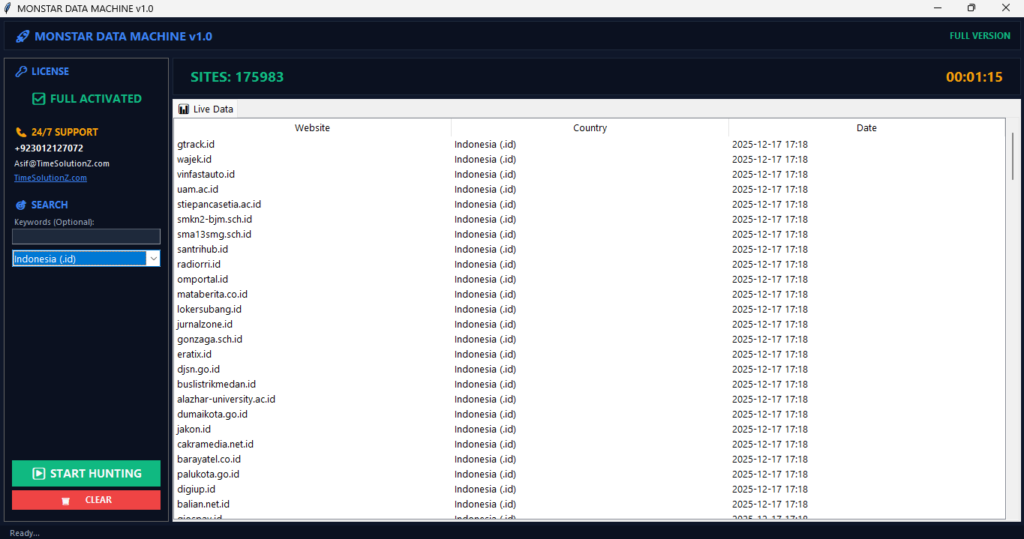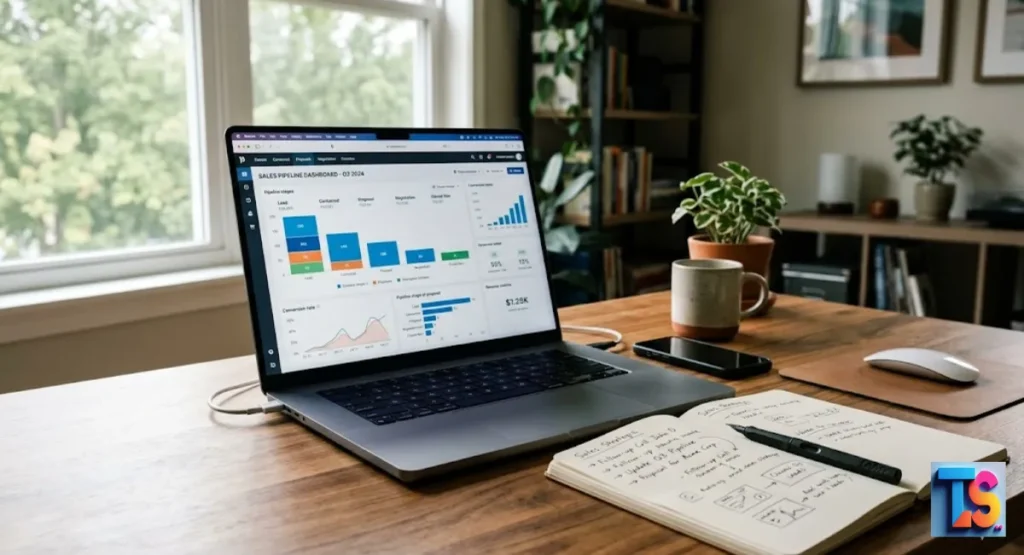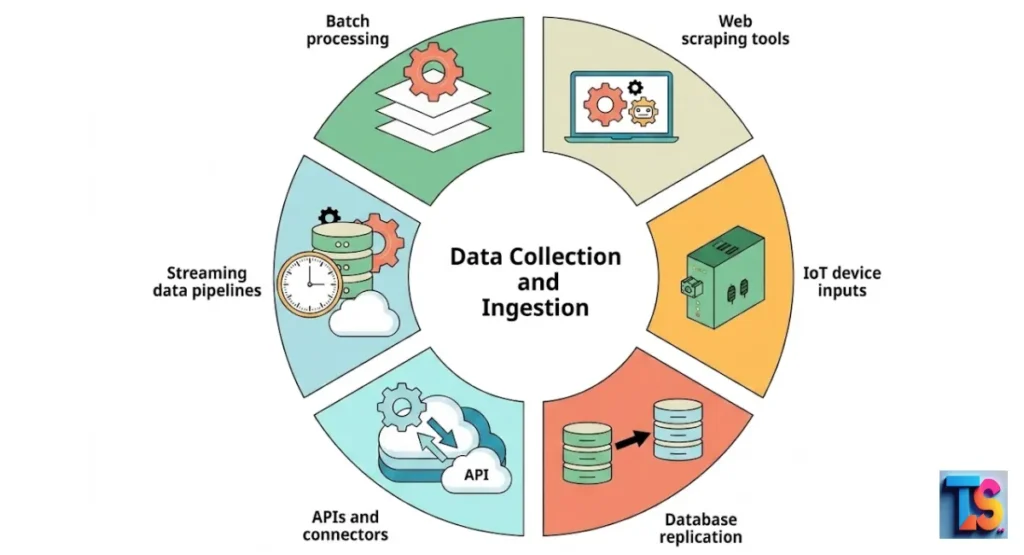
How web scraping works is by using automated software to collect publicly available information from websites. Instead of manually copying text or numbers, you use tools to visit a page, read its underlying code, and pull out exactly the data you need.
Think of it as a digital assistant that gathers content for you in seconds. Once collected, this information is organized into a clean format, like a spreadsheet or a database. Businesses and researchers rely on this method for web data mining and automated data collection to gain insights from the internet.
This practice transforms messy, unstructured web content into structured web data, making it ready for analysis, data harvesting, and various other data extraction tasks.
What Is Web Scraping? Definition and Core Purpose
Web scraping means collecting data from websites automatically. The goal is simple: save your time. Doing this by hand takes hours, but a program does it in seconds. It turns websites into neat lists. You can use this to check prices, watch for market changes, or gather facts for a big project.
It acts like a digital assistant for your work. You show the program where to go and what to grab. It visits the site and pulls the info into a file, like a spreadsheet. Now you can look at the results instead of copying numbers all day.
Pro-Tip: Check if the website has an official data feed first. This saves you a lot of trouble.
The 5-Step Web Scraping Process Explained
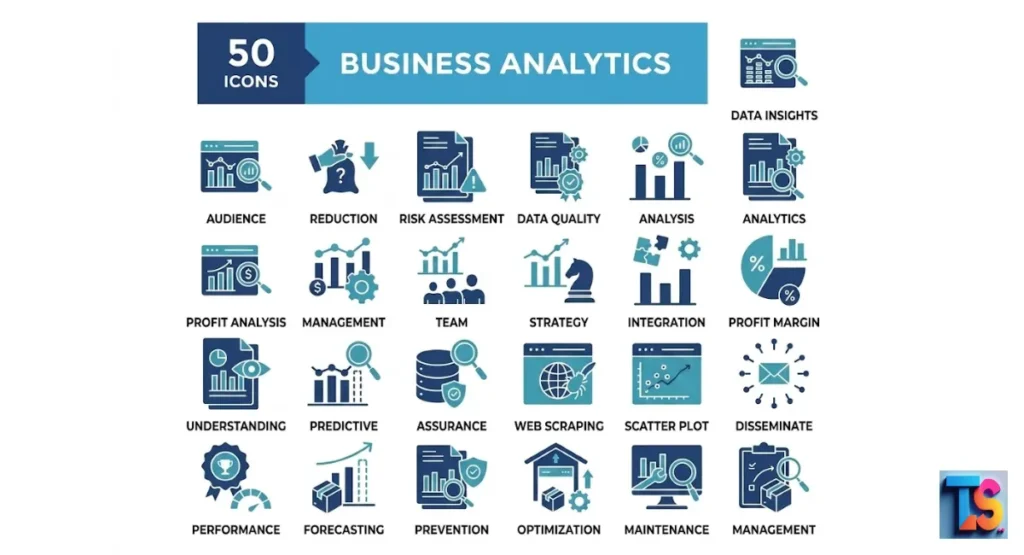
The scraping process has five steps to turn web pages into data. First, the program asks for the page. Next, it downloads the code. Then, it maps that code. Fourth, it picks the specific parts you need. Finally, it saves the data in a format your team can use.
Step 1: Sending the HTTP Request to the Target URL
An HTTP request is a message sent to a server. Think of it like knocking on a door to ask for info. You have to get this right to see the page. How to extract URLs effectively, knowing how to grab URLs is the start.
When you begin, you need a list of sites. The request tells the server which page you want. The server checks your request. If it says yes, it sends the page back so your program can read it.
Step 2: Fetching and Downloading the Raw HTML Code
Downloading raw HTML means grabbing the code that builds a page. Imagine this code as the skeleton of a building. You cannot see the page like a person does, but the code has all the text, links, and pictures inside.
Step 3: Parsing the DOM (Document Object Model) Tree
Parsing means breaking the code into a map called the DOM. The DOM is like a family tree where every item has a home. This map helps your program find things by moving through branches. Now your tool knows exactly where the price or name is hiding.
Step 4: Extracting Specific Data via CSS Selectors or XPath
This step tells your tool exactly what to take. CSS Selectors and XPath are like GPS coordinates for data. Best Practices for Extracting Large URL Lists, by using these markers, your program ignores everything else on the page. It focuses only on the stuff you need for your list.
Step 5: Sanitizing and Exporting Data to CSV, JSON, or SQL
Sanitizing is just cleaning up your data. You remove errors or weird spaces. Once it is clean, you save it. You can pick formats like CSV for simple sheets or JSON for big databases. This makes sure your final file is accurate and ready to use.
Web Crawling vs. Web Scraping: Clearing up the Confusion
Crawling and scraping are different jobs. Crawling is like a library indexer that maps every book in the room. Scraping is like a researcher who opens one book to copy the facts. You use both to manage big chunks of info from many sites.
| Feature | Web Crawling | Web Scraping |
| Primary Goal | Finding and listing pages | Extracting specific data |
| Scope | Whole websites or the internet | Individual pages or sections |
| Common Use | Search engine indexing | Market research and data lists |
Handling Modern Web Complexities: Static vs. Dynamic Scraping
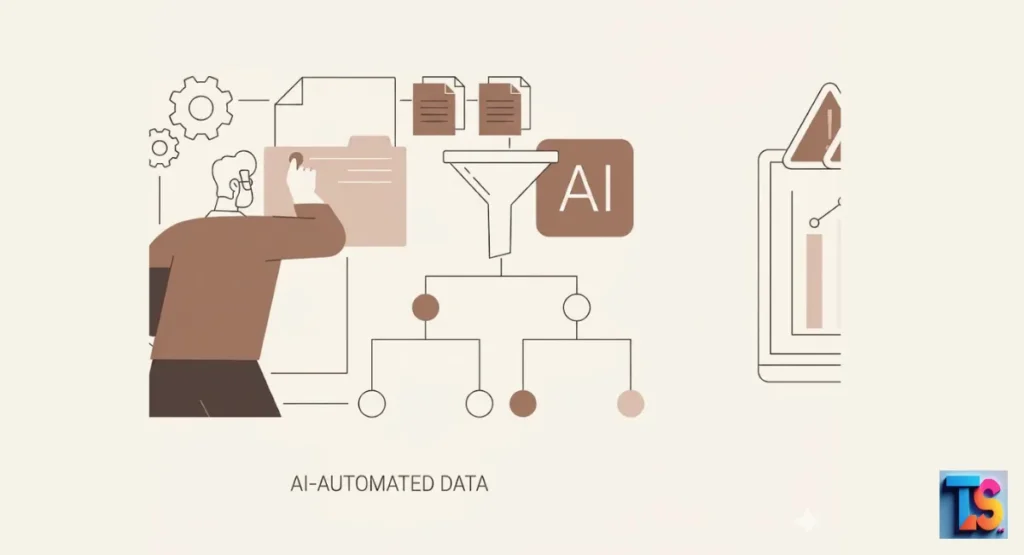
Static scraping works for simple pages that load all at once. Dynamic scraping is for modern sites that change while you look at them. You pick the method based on how the site shows its info. Both are key to gathering data today.
Scraping Static Pages with Python (BeautifulSoup & Requests)
Static scraping is the fastest way to get info from simple sites. You use a tool called Requests to fetch the page and BeautifulSoup to read the text. It is super fast. The computer skips the images and fancy designs to get just the text you need.
Scraping Dynamic JavaScript Pages Using Headless Browsers (Playwright & Puppeteer)
Dynamic scraping uses a headless browser. This is a web browser that runs in the background with no screen. It lets the tool run JavaScript, which is the code that makes parts of a page move or update. You need this when data pops up only after the page finishes loading.
AI-Driven Web Scraping: The Shift Away from Brittle Code Layouts
New tech now helps programs learn page layouts on their own. They do not break when a site changes its look. In 2026, many websites use tools to check if you are a human or a bot. These new scrapers change how they act to look like real people and keep the data flowing.
Pro-Tip: If you have a huge project, break your URL lists into small batches.
Why Do Websites Block Scrapers? Anti-Scraping Defenses & Fixes
Websites block scrapers to protect their speed and secrets. They use a WAF, which is a security guard that blocks bad traffic. When you grab data, keep your speed steady. This keeps your connection safe for long-term projects.
Defeating IP Rate Limits with Residential Proxy Rotation
Rate limits stop one computer from asking for too many pages at once. A proxy is a middleman that hides where you are. By rotating through many proxies, you spread your requests out. It makes your work look like that of many normal people visiting the site.
How Modern Pipelines Bypass Advanced CAPTCHA and WAFs
Modern pipelines use systems to beat CAPTCHA. Those are the puzzles that test if you are a real person. These systems solve them fast, so your data work does not stop. They also handle security tokens to get past the guards.
Browser Fingerprinting and User-Agent Spoofing Explained
Websites look at your browser signature. This is a unique set of details about your computer. User-Agent spoofing is just faking your ID badge. By changing this, you make your scraper look like a standard visitor. This helps you dodge the site’s security scanners.
Pro-Tip: Always use headers to mimic real browser requests so you look natural to the server.
Is Web Scraping Legal? Ethical Rules and Compliance
Is Web Scraping Legal 2026, if you only collect public data. But in 2026, privacy laws are much stricter. You must respect other people’s rights. Make sure your different methods to extract website links follow local and global privacy rules.
Auditing the Robots.txt File for Automated Directives
The robots.txt file is a set of notes left by a site owner. It tells robots which pages they can read. Always check for this file first. Respecting these rules is the most important part of being a good data collector.
Understanding Terms of Service (ToS) and Copyright Laws
Terms of Service are the rules for your visit. Even if the data is public, the owner might forbid automated collection. Read these rules. If the site says no, respect it. It keeps you out of legal trouble.
FAQs
Can you scrape data without knowing how to code?
Yes. Many tools have point-and-click buttons. You use your mouse to highlight the data you want. The software handles the code for you. Anyone can start making datasets without needing to learn hard programming languages.
What is the best programming language for web scraping?
Python is the best choice. It has a massive library of ready-to-use tools that make the whole job simple. Its rules are easy for beginners to learn. But it is also powerful enough for pros to build systems that handle thousands of requests while staying stable and fast.
The Bottom Line
That scraping is a powerful tool for your digital work.