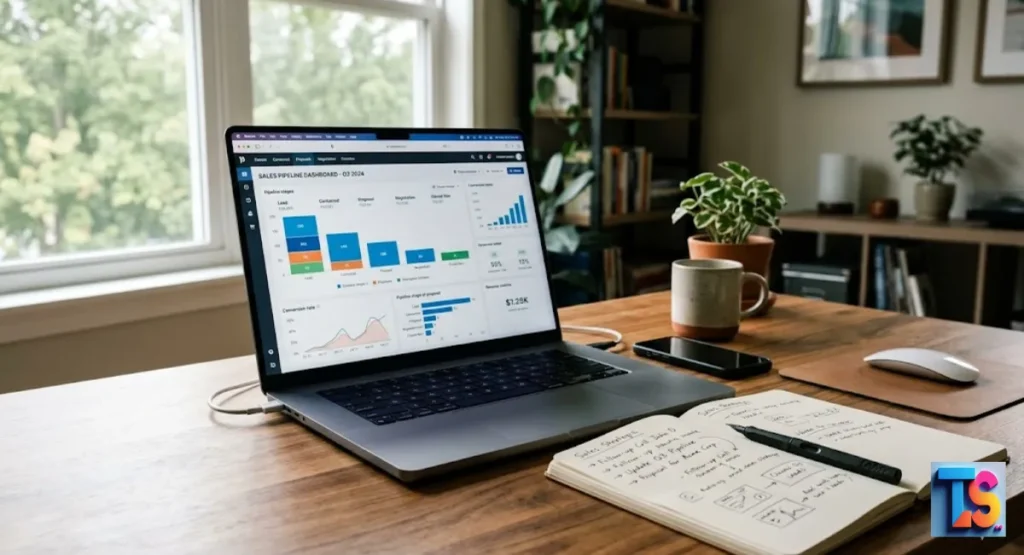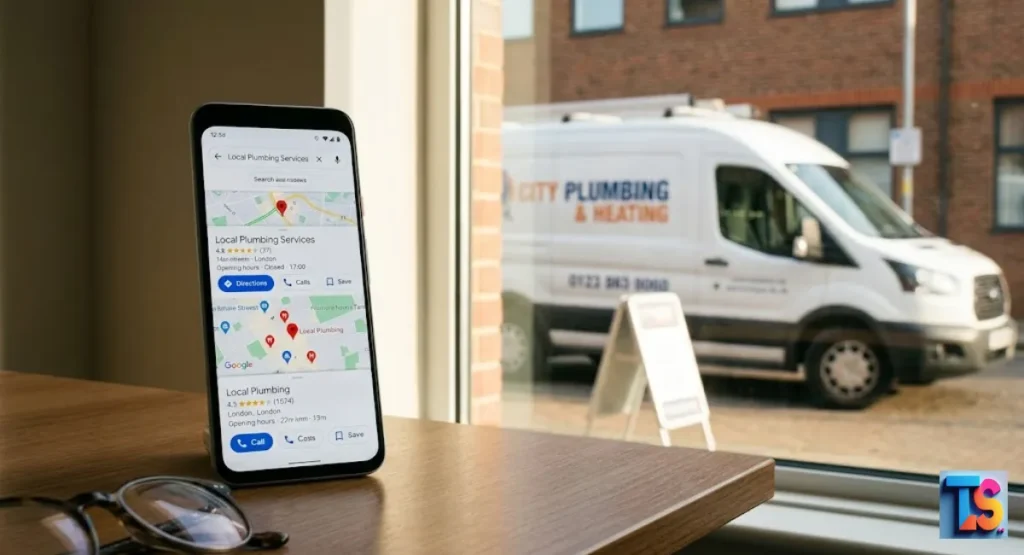
Mastering how to attribute offline leads to local SEO is a critical milestone for any modern service-based business. Many companies struggle to bridge the gap between digital visibility and physical sales.
They leave money on the table. By capturing local search intent and using smart tracking, you change the game. This plan connects your online work to offline wins.
You will prove the value of your work. You will spend your budget better. This blueprint gives you a solid way to track everything. It makes every dollar count.
Why Offline Attribution is the Biggest Blindspot in Local SEO
Many business owners fail because they cannot see the whole path. You might see web traffic. But you miss the calls. You miss the walk-ins. These bring in the profit.
If you ignore these, you are blind. You cannot know what truly works. Mastering attribution helps you compare ROI for local SEO vs. local PPC.
- Offline sales are often hidden.
- Missing these makes your local SEO look weak.
- Good tracking shows you what brings in the cash.
What Is the Online-to-Offline (O2O) Tracking Gap?
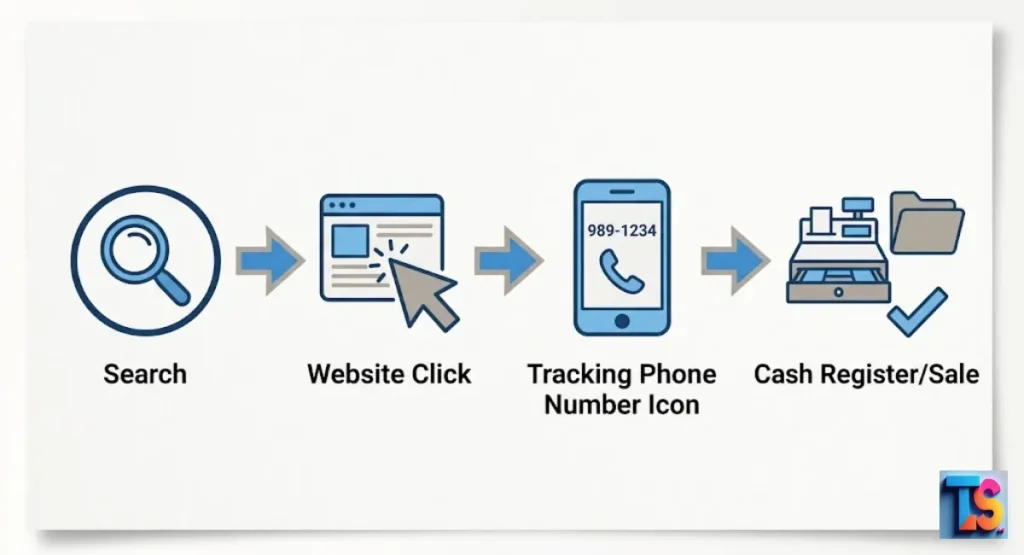
The O2O gap is the space between a click and a sale. A user searches for a service. They find your site. Then they drive to your shop. Or they call you. They leave your site to finish the deal.
Your digital tools lose the trail. This is the gap. You must close it. It is key to tracking your local search customer journey.
- Digital tools stop when a user leaves.
- Physical visits are invisible to web tools.
- You must bridge the gap to see real results.
The Hidden Cost of Misattributing Your Local Search ROI
Misattribution happens when you ignore offline data. This leads to bad reports. You make poor choices. By failing to link local search ranking factors to profit, you lose your best channels.
Tracking this helps you compare ROI for local SEO vs. local PPC. It proves your money is working.
- Bad data leads to budget cuts.
- You lose the power to scale winners.
- True attribution proves your SEO works.
1. Deploy Dynamic Number Insertion (DNI) to Track Website Phone Calls
Dynamic Number Insertion uses code. It swaps your phone number for a new one. It tracks the visitor. This lets you log the source. It tracks the keyword.
It tracks the ad. This lets AI-driven search engines match sales to your visibility. It builds your local authority.
- DNI logs the keywords that make phones ring.
- You see the source of every call.
- It gives you data to refine your SEO.
How Call Tracking Connects Organic Keywords to Real-World Sales
Call tracking builds a bridge. It connects intent to a talk. You give each organic visitor a unique number. You see which keywords start the conversation.
This lets you evaluate your customer journey for service businesses. It proves your content leads to sales. Not just junk clicks.
- Find the exact terms that lead to sales.
- See call data in your main dashboard.
- Optimize for terms that make money.
Setting Up Call Pools Without Ruining Your Local NAP Consistency
To keep your Name, Address, and Phone number safe, use your main number on Google. Do not change it there. Only use tracking numbers on your website.
This lets search engines see consistent data. You still get your deep insights. It keeps your reporting sharp.
- Never use tracking numbers in your Google Business Profile.
- Search engines need NAP consistency to trust you.
- Keep tracking numbers on your site only.
2. Isolate Google Business Profile (GBP) Clicks and Map Pack Interactions
Isolating GBP clicks is vital. It shows how map queries drive foot traffic. Tag your links. You gain clear insight.
This data shows how your profile rank builds store visits. It tracks your local search customer journey.
- Map pack clicks are top signals.
- Tagging links splits map traffic from web traffic.
- This data shows how map features drive visits.
The Advanced UTM Tagging Strategy for Google Maps Listings
UTM tags are code. Add them to your links. Put them on your Google Business Profile. They act as digital footprints.
This lets search engines match sales to your visibility. It improves your local authority.
- Create unique UTM tags for every map link.
- Watch your analytics to see what works.
- Use this to improve your local search rankings.
Activating Native GBP Call History and Messaging Analytics
Google has built-in tools. Use them. Turn on calls and messages in your dashboard. You get free data. You see how people talk to you from the map.
They never hit your site. This shows your true local reach.
- Turn on native features to get map call data.
- Review messaging to see how locals engage.
- These tools give you vital, free data.
3. Use Hyper-Local Landing Pages and In-Store Coupon Codes
Hyper-local pages work. They target specific neighborhood needs. Mix them with unique coupon codes. Now, these pages are attribution tools.
You create a clear path. It proves which pages have high lead value.
- Make pages for specific local spots.
- Coupon codes track the digital-to-physical path.
- This improves your geo-spatial ranking factors.
Designing Digital-to-Physical Bridges for Brick-and-Mortar Foot Traffic
A bridge is an offer. It requires a web visit to claim. “Show this screen” is a classic. It signals that a web search started the sale.
You can track your site content well. You can track your geo-spatial ranking efforts.
- Offers get people to engage.
- This is a real measurement tool.
- It links store visits to your landing pages.
Setting Up Geometric Promo Codes in Your Point-of-Sale (POS) System
Use your POS system. Give it a field for promo codes. Train your staff. Ask for the code at the register. Keep these codes unique.
Run a report every month. You will see which search efforts paid off.
- Use unique codes for every digital campaign.
- Train staff to record them every time.
- Monthly reports show exactly what worked.
4. Connect Your Digital Analytics to a CRM for Offline Conversion Tracking
Connect your analytics to a CRM. This enables Advanced Local Marketing Attribution. Pass unique Click IDs through your forms.
You bridge the gap from web interest to final sale. This creates a 360-degree view.
- CRM integration links leads to the source.
- Omnichannel models show the full picture.
- This data guides your SEO vs. PPC strategy.
Capturing Click IDs (GCLID) and First-Touch Source Data via Web Forms
A GCLID is a special ID. It tells Google exactly what ad or search worked. Hide it in your web forms. It travels into your CRM.
This lets search engines match sales to your digital visibility.
- GCLID data shows the search that produced the lead.
- Hidden fields keep the user experience smooth.
- It links web engagement to the final deal.
Uploading Closed Offline Deals Back into Google Analytics
Use your analytics tool. Upload your closed sales. When a deal closes in your CRM, export it. Feed it into your analytics account.
Now, the system knows the real dollar value. Your ROI reports will be perfect.
- Importing revenue makes ROI math accurate.
- This creates a closed-loop system.
- Use these insights to scale what makes money.
5. Build a Foolproof Physical Intake Workflow for Your Front-Desk Team
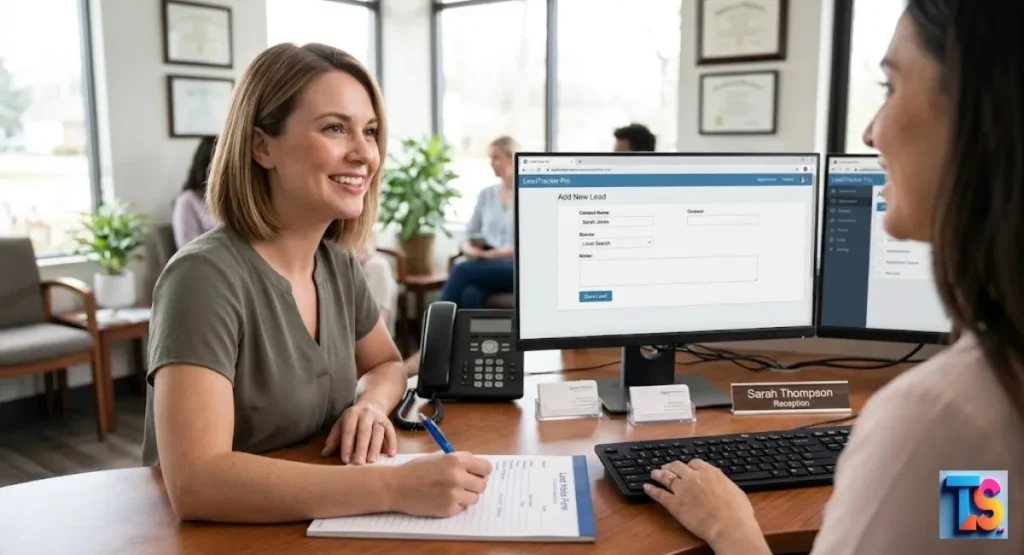
Build a physical intake process. It is the most reliable way to get data. Talk to walk-ins. Standardize the process. This fills the gaps. Human data is powerful.
It boosts your local marketing and GEO-tweaks in local search success.
- Standardize scripts so every lead is asked.
- Front-desk data captures the real human side.
- This data beats digital tools sometimes.
The “How Did You Hear About Us?” Script That Actually Works
Train your staff. Use a specific question. Don’t ask “Did you find us online?” Ask “What led you to choose us today?”
This gets honest answers. People talk.
- Open questions avoid “yes” answers.
- Honest feedback reveals the true customer journey.
- Record these answers in your CRM fast.
Standardizing Data Entry in Your CRM to Prevent Reporting Errors
Use drop-down menus. They are vital. This stops messy data. If staff types, they make mistakes. Spelling errors break reports.
A simple list keeps things organized.
- Drop-downs ensure consistent data.
- Ending manual typing stops errors.
- Clean data is the foundation of local SEO.
A Real-World Example: How a Local Business Proved 150% SEO Return on Investment
An HVAC shop had a problem. They could not see SEO value. They added call tracking. They used a front-desk script. After three months, they saw the truth.
60% of leads were from organic search. They upped the budget. Sales jumped 150%.
The Top Software Tools for Local SEO Lead Attribution
| Tool Category | Recommended Tools | Best For |
| Call Tracking | CallRail, WhatConverts | Linking calls to keywords |
| Analytics | Google Analytics 4 | Tracking website traffic |
| CRM | Salesforce, HubSpot | Closing sales data |
| Attribution | SegMetrics, Wicked Reports | Connecting total revenue |
FAQs
Does using call tracking numbers hurt my Google Maps ranking?
No. Never put the tracking number on your Google Business Profile. Keep your real number there. Use tracking numbers only on your site. This protects your rank. It gives you the deep data you need.
How do I track walk-in customers who never interacted with my website?
Digital tracking is hard here. The best way is your front-desk script. Ask every customer. Record it in your CRM. You will see trends. You will see word-of-mouth and sign-ups.
What is the best way to track multi-location offline leads?
Use a separate call tracking pool for every spot. Use unique landing pages for every city. This stops the data from mixing. Ensure your CRM labels leads by location. You will see which stores perform best.
The Bottom Line
You must bridge the gap. Start tracking today.