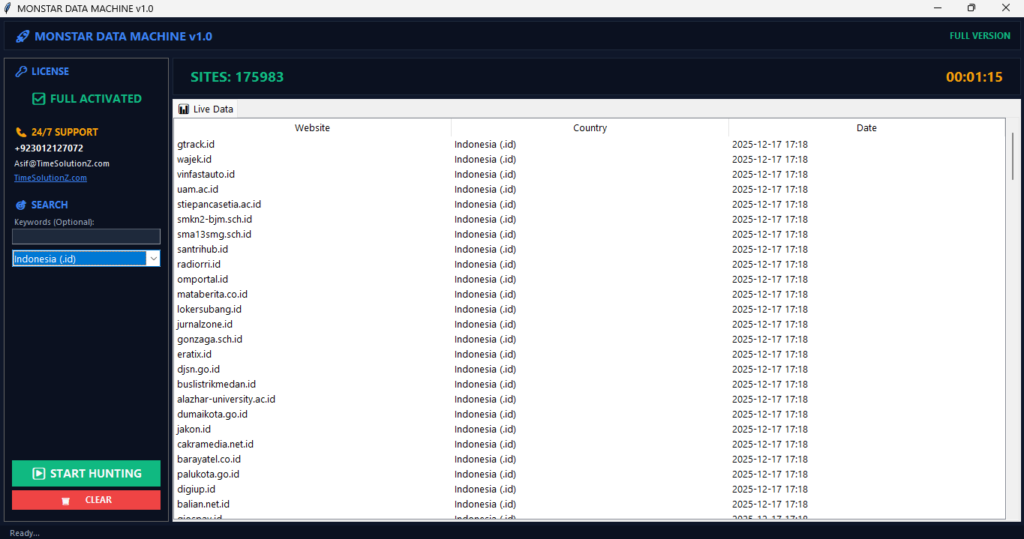
Learning how to extract URLs effectively is a game-changer for anyone managing large-scale digital projects. Instead of manually copying links, you can use automated tools to gather thousands of addresses in seconds.
This process is essential for conducting deep competitor analysis, auditing site structures, or building clean backlink profiles for your website. When you master the right techniques, you save time and ensure your data remains accurate for every report.
Whether you are a beginner or a pro, knowing how to collect these links is the foundation of a modern digital strategy. Start optimizing your workflow today by using smart methods to simplify your web scraping and data organization tasks.
Understanding URL Extraction: Why It Matters
Professionals prioritize URL extraction to transform massive, chaotic website structures into organized datasets that drive informed content and technical decisions. Instead of guessing which pages attract the most traffic, you use these clean lists to map out site gaps.
This approach helps you build stronger backlink profiles and prioritize updates that improve your total search performance.
Gathering these links allows you to see the true structure of any site. You can then compare this data against your own internal goals to find missed opportunities. When you treat URL lists as a primary asset, you maintain a clearer vision of your site health.
This helps you move faster and act with more confidence during every audit. It is a big win.
How Does Web Scraping Work? A Simple Breakdown

Extracting data efficiently relies on mimicking how a browser reads a site by requesting information and parsing the document object model for specific links.
When you parse the document object model for links, you must prioritize nodes with static attributes to improve your extraction speed. This ensures your tool gathers the correct data without errors. It is precise.
The process involves sending a request to a server. The server then returns the page code. Your tool acts as a bridge to translate this code into a usable list of links. You must also check if the site uses server-side versus client-side rendering.
Understanding this difference ensures you do not miss hidden links that load after the main page. To master the technical nuances of how your scraper interacts with a site, you should learn how web scraping works to master the fundamentals.
Top Methods to Extract Website Links (From Easy to Advanced)
Before you select your preferred tool, you should explore the different methods to extract website links to see which strategy fits your specific project budget and technical level.
The best extraction method depends on your technical skill and the scale of your project, as simple tools work for quick checks while custom scripts handle complex, large-scale data pipelines. You must balance your speed needs against the effort required to build a system that keeps your data pipeline integrity intact over time.
| Method | Speed | Technical Skill | Cost | Best Use Case |
| Browser Extensions | Fast | Low | Free | One-page checks |
| Spreadsheet Formulas | Moderate | Low | Low | Small site audits |
| Automated Tools | High | Moderate | Paid | Large site scaling |
| Python Scripts | High | High | Low | Custom workflows |
Method 1: No-Code Browser Extensions (For Immediate Visual Results)
Browser extensions offer the fastest way to pull a few links from a single page without needing any special technical knowledge or software setup. These tools are perfect for quick, daily tasks. You simply click an icon on your toolbar, and the tool captures all the links visible on your current screen for instant review. It is very fast.
Method 2: Spreadsheet-Based (Low-Cost Strategy for Quick Audits)
Spreadsheet formulas allow you to perform structured data extraction by pulling links directly into your report without leaving your primary workspace. This method works best for small site audits. You can use native functions to grab link destinations from code. It keeps your data organized and ready for immediate analysis without needing extra tools. It is simple.
Method 3: Automated Scraping Tools (For Scaling and Stability)
Automated platforms manage the technical heavy lifting for large projects by rotating your connection details and handling complex page requests in the background. These tools are built to crawl hundreds of pages at once. They keep your collection steady and help you avoid common blocks that happen when you try to scrape too fast. They are powerful.
Method 4: Python & Programming (For Custom Needs and Power)
Custom scripts provide total control over your data collection process by allowing you to define specific rules for how you navigate and filter web pages. This is the best approach when you have unique requirements. You can build checks to verify data quality as you collect it. It ensures your final lists are perfect for your goals. You are in charge.
Best Practices for Extracting Large URL Lists Without Getting Blocked
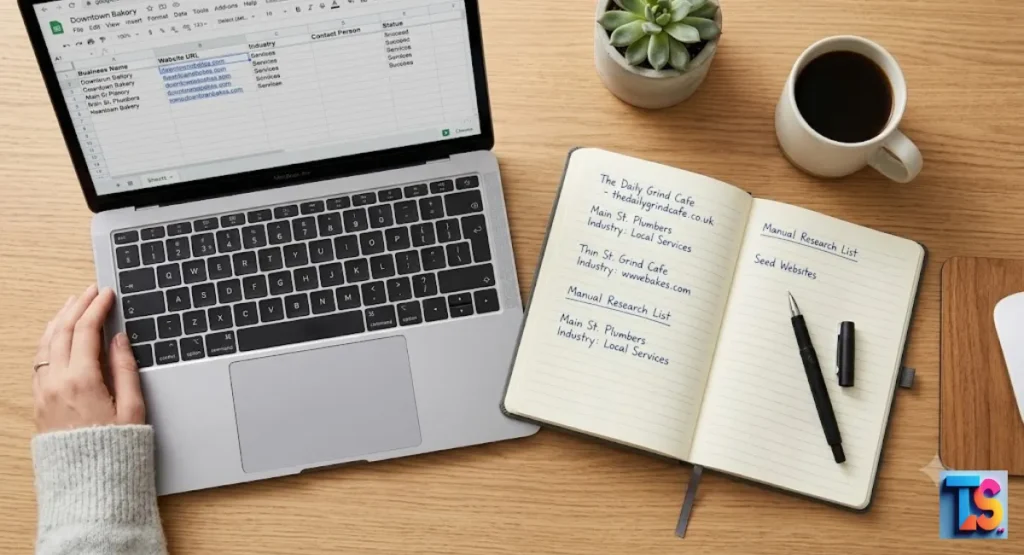
You should check our best practices for extracting large URL lists to keep your data operations running smoothly.
You can prevent being blocked by acting like a polite guest, respecting site rules, and pacing your requests to match human browsing speeds during your data collection. By using rate limiting, you keep your activity hidden from server security filters.
This helps you maintain a long-term connection to the websites you need to analyze for your projects. You stay safe.
Respecting robots.txt and Ethical Scraping
Always check the robots.txt file before you start. This file contains instructions from the site owner about which areas are private. Following these rules shows you are a professional and ethical user. If a section is off-limits, you must skip it to protect your reputation and your ability to access the rest of the site. It is honest.
Implementing Proper Rate Limiting
Rate limiting is the act of slowing down how fast you send requests to a server. If you send too many requests in one second, the server will block your connection. By adding a small pause between each request, you look more like a normal person. This simple step keeps your collection process smooth and stable. It works well.
Handling Dynamic Content and JavaScript-Heavy Sites
Modern websites often hide their links inside JavaScript code that only loads when a user scrolls. If your tool does not handle this, you will miss important data. You need a scraper that can wait for the full page to render. This ensures you capture every link, even those that appear after the initial page load. It is vital.
Data Cleaning: Removing Duplicates and Broken Links
A raw list of URLs usually contains junk like duplicate links or pages that no longer work. Use a cleaning step to remove these items from your list. A clean, accurate dataset makes your final analysis much faster. It also helps you focus only on the links that truly help your site grow. It saves time.
Is Web Scraping Legal in 2026? A Practical Guide
Before you launch any large-scale project, read our summary on is web scraping legal 2026 to ensure your project remains compliant and safe.
Scraping remains legal when you collect public data and follow 2026 compliance trends that emphasize total transparency in how you source and use your data. You should only gather information that is visible to any guest user. You must never bypass security or log into private accounts to collect hidden data or personal details. Be fair.
Public vs. Private Data: What You Need to Know
You must distinguish between public and private information before you begin. If a page is open to the public without a login, it is generally safe to collect. If you must sign in to see the data, you should never attempt to scrape it. Respecting this boundary is key to staying within legal limits. It is crucial.
Compliance and Privacy (GDPR/Data Protection)
You are responsible for how you handle the data you collect. If your list contains names or other personal details, you must follow strict data protection laws. Being transparent about your scraping goals and handling information with care helps you build a safe, long-term strategy that protects both your project and the privacy of others. You are careful.
Common Challenges and Troubleshooting Tips
Most scraping errors like captchas occur when your requests look too repetitive, so using proxies helps you distribute your traffic and avoid getting flagged by security systems. When a site uses infinite scroll or multiple pages, your scraper must be able to trigger the next load command to gather the full list of available links. Stay prepared.
Handling Captchas and IP Bans
A captcha is a clear sign that a website has noticed your scraping activity and is trying to block you. When this happens, switch to a proxy service to hide your identity. A proxy spreads your requests across many locations. This makes your traffic look natural and helps you bypass most common access restrictions. It is smart.
Dealing with Paging and Infinite Scroll
Some sites split lists across many pages or load more content as you scroll down. To get all the data, your tool must be smart enough to find the next button or reach the bottom of the page. You need a setup that can detect these patterns and repeat the action until the entire list is captured. It is easy.
The Bottom Line
That building an effective URL extraction strategy is a core skill for any professional looking to master site architecture in 2026. By choosing the right tools, respecting server limits, and staying transparent in your data sourcing, you create a powerful asset for your business.
Focus on consistent quality and legal compliance to ensure your data continues to support your growth. You can succeed.