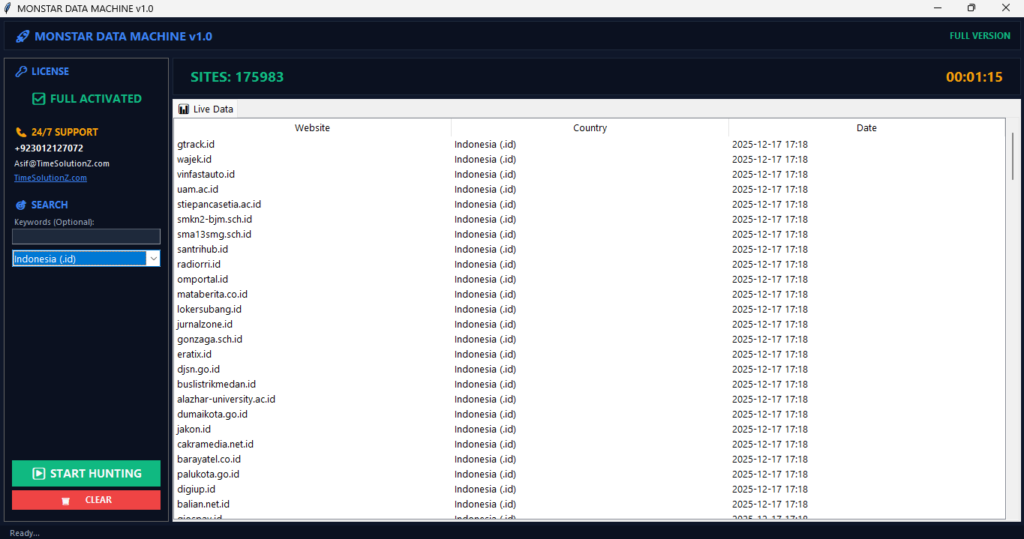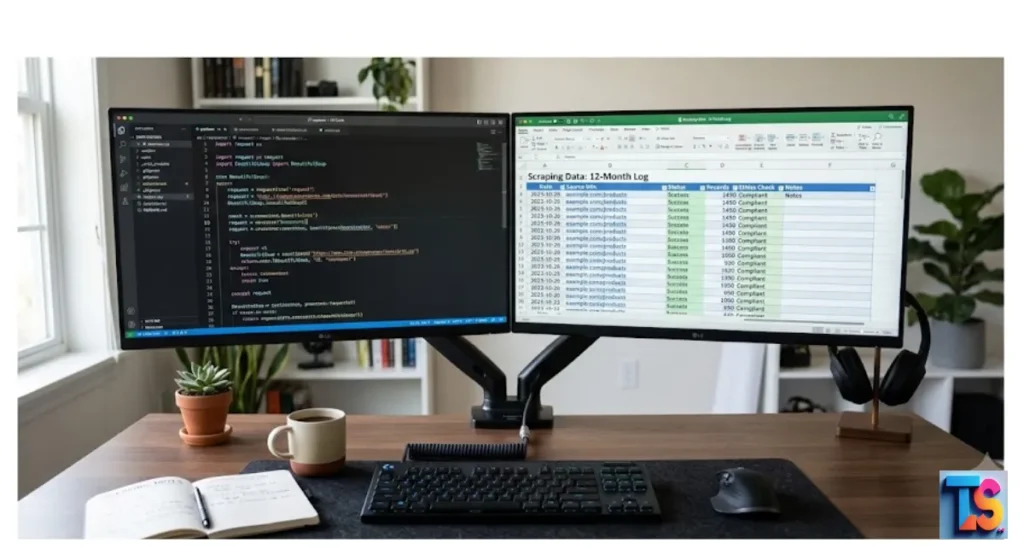
Ethical & Technical Scraping is the gold standard for gathering public information without causing server issues. If you want to build a successful data extraction strategy, you must respect site rules while keeping your tools fast and efficient.
Many businesses use these methods for market research and tracking competitor prices, but doing it the wrong way leads to IP bans. By using the right proxy rotation methods and following legal guidelines, you ensure your project stays safe and reliable.
This guide helps you balance high-speed data harvesting with the safety of your brand. Learn how to stay within the law and grow your business today.
What Is Web Scraping?
Web scraping takes messy web page content and turns it into a clean, digital format for your analysis. By talking to a site with code, you pull the hidden HTML or dynamic data points, which lets your team process it efficiently.
This process kills off manual data entry for good, letting teams gather competitive insights, watch price moves, or collect leads at massive scale.
Detailed mechanics mean choosing the right tools to navigate the Document Object Model (DOM). Whether you use headless browsers or direct HTTP requests, your main goal is to fetch raw content and turn it into data you can actually use.
Without automated scraping, manual data entry would be way too slow and full of human mistakes.
Is Web Scraping Legal?
Scraping public info is legal, as long as you do not hack or bypass login walls. You must follow the site’s terms of service and avoid collecting private, non-public user data.
By respecting robots.txt files and avoiding huge traffic spikes, you stay compliant with international standards and lower the risk of legal trouble.
Courts usually like the scraping of public data because search engines do it all the time. But you must look at each project against the specific terms of the target site and the kind of data you are grabbing.
The Difference between Ethical and Unethical Scraping
Ethical scraping cares about site performance and keeps data integrity by acting like a normal human user. It works with transparency and permission, ensuring that site infrastructure stays stable for everyone else.
Bad practices involve aggressive harvesting, ignoring access rules, and overloading servers, which makes the web worse and risks permanent IP blacklisting for your operations.
An ethical approach makes sure your work does not ruin the experience for regular users. It means telling the site who you are with user-agent strings, timing your requests well, and never scraping behind login screens without written permission from the owner.
Key Legal Regulations and Compliance

Following data laws is a must for your success. Rules like the GDPR, CCPA, and CFAA control how you handle personal and protected info. Using these frameworks stops lawsuits, keeps your brand reputation safe, and makes sure your collection plan stays inside local legal lines for safe, ethical business operations.
General Data Protection Regulation (GDPR)
GDPR controls the collection of data for people living in the European Union. If your project involves grabbing personal info, you need a legal reason to process that data.
Even if info looks public, GDPR rules on storage and usage are still very strict.
California Consumer Privacy Act (CCPA)
CCPA gives California residents rights about their personal info. If you scrape data that has names or IDs about these people, you are responsible for staying transparent and respecting their requests to delete or opt out of data sharing.
Computer Fraud and Abuse Act (CFAA)
CFAA is a United States law that bans unauthorized access to protected computers. It does not outlaw scraping by itself, but it matters if you bypass tech barriers or access systems that are clearly locked against crawlers. Always avoid going around security.
Understanding and Respecting Robots.txt
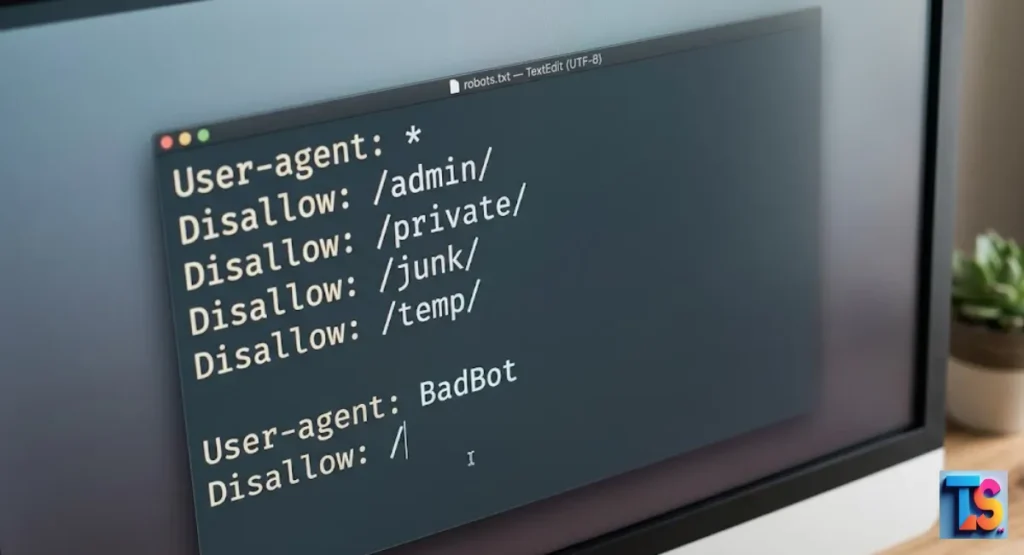
The robots.txt file is the official way for webmasters to tell you how to crawl. By checking this file, you see which pages are open and how fast you can visit them.
Following these rules builds trust, shows you are a pro, and makes sure your scraper follows the site owner’s rules.
How to Find a Website’s Robots.txt File
To find the rules for any site, just put /robots.txt after the main name. For example, visit domain.com/robots.txt. This text file gives you specific orders for different bots, showing which paths are off-limits and often telling you the preferred delay between visits.
Parsing Robots.txt Rules for Crawlers
Your automated scrapers should always fetch and read the robots.txt file before you start. Your code must check your User-Agent against the Disallow lines.
If a folder is blocked for your agent, your scraper must skip those pages entirely to stay compliant.
Technical Best Practices for Data Extraction
Technical success relies on balancing how fast you extract data with being polite to the server. By using smart rate limiting, rotating user-agent strings, and handling HTTP errors well, you make sure your scraper acts like a normal user.
This protects the site, keeps your data flow steady, and stops your system from being flagged as a bad bot.
Implementing Rate Limiting and Request Delays
Rate limiting means spacing out your requests over time to stop server crashes. Using a delay of a few seconds between requests makes sure your traffic does not spike or look like an attack.
This is the main way to keep access to your target site.
Managing User-Agent Strings Properly
A user-agent string tells the server who your scraper is. Use a clear, real user-agent that lists contact info so site admins can talk to you if you cause issues.
Do not mask your scraper as a normal browser, as that looks like you are trying to hide.
Handling HTTP Status Codes and Errors
HTTP status codes tell you if your request worked or failed. A 200 code is a win. 4xx and 5xx codes show issues that you need to fix fast. Your script needs logic to read these codes and pause or retry when it makes sense.
What to Do When Encountering a 429 Too Many Requests Error
A 429 error means you hit the limit. Stop the request cycle right away and use a back-off plan. Wait for a long time, like an hour, before you try again, and think about slowing down your request delays.
If you struggle with connection stability, you need to fix Chrome scraping timeouts.
Managing 403 Forbidden and 503 Service Unavailable Responses
A 403 response means you are blocked. This often happens because security filters think you are a bot. A 503 error means the server is too busy.
Do not retry fast. Check your headers, try a different proxy, and drop your total request speed.
Fixing Timeouts and Large Data Processing
To fix Chrome scraping timeouts, use exponential backoff where the wait time gets longer after every failure. For massive lists, do not try to load the whole page into memory at once.
Use stream-based parsing to process parts as they arrive. This stops memory bloat and keeps your extraction system steady and fast.
CRM Formatting and Data Normalization
Before you move your data into a CRM, clean it up with JSON or CSV formats. Get rid of duplicates, fix your email formats, and make fields like names and locations look the same.
This clean-up keeps your data quality high, stops import errors, and makes your info ready for sales and marketing. You should format scraped data for CRM import for the best results.
Advanced Anti-Bot Measures and Safeguards
Modern sites use smart fingerprinting to block non-human traffic. To keep your access, use defensive tactics like residential proxy rotation and fake human behavior.
If you struggle to scale your work or need to scrape large lists without IP blocks, use these tactics to balance your traffic and stay under the radar.
The Use of Rotating Proxies
Keep your work going with residential proxy pools that cycle through many IP addresses. By spreading requests across many locations, you balance the traffic load and stop any one IP from being flagged as suspicious.
This gives you consistent data without triggering security measures that block high-volume, static-IP scrapers. If you are new, read a Proxy rotation guide for beginners.
Bypassing CAPTCHAs Ethically
CAPTCHAs are meant to block bots. Ethically bypassing them means using specific API services to solve the test or, better yet, changing your logic to avoid them.
Never try to “crack” or force your way through these security layers. That violates standard terms of service.
Data Privacy, Security, and Storage
Once you grab data, it is a high-value asset that needs protection. You must hide personal info and encrypt your databases to stop people from stealing it.
Using these security layers hits compliance goals and keeps your data clean from start to finish, from the first scrap to the final CRM storage.
Protecting Personally Identifiable Information (PII)
PII includes names, emails, and phone numbers. If you collect this, you must mask it right away. Keeping raw, sensitive data in plain text is a huge security risk.
Only store the specific data points you need for your actual business goals.
Securing Stored Data Databases
Store data in encrypted databases that need a password to open. Use strong security, firewalls, and regular checks to protect your data.
If you use the cloud, make sure your storage permissions are private, and that keys are never hidden inside your code.
Utilizing Official APIs Over Scraping
If a site has an official API, use it first. APIs give you a stable, authorized path that is way more reliable than scraping raw HTML. This respects the site’s design, cuts down on maintenance, and keeps you totally compliant with the rules.
If your raw output is a mess, always Format scraped data for CRM import.
Web Scraping Best Practices Checklist
| Best Practice | Action Item |
| Permissions | Always check robots.txt before starting. |
| Identification | Use a descriptive User-Agent with contact info. |
| Pacing | Implement random delays between requests. |
| Data Scope | Only collect the data essential for your task. |
| Storage | Encrypt databases and anonymize PII. |
| Frequency | Scrape during off-peak hours to reduce load. |
The Bottom Line
That ethical and technical scraping is a skill that needs respect for server resources and strict adherence to the law.
By using rate limits, telling the site who you are, and locking down your data, you build a reliable system that adds value without causing trouble or getting you blocked.