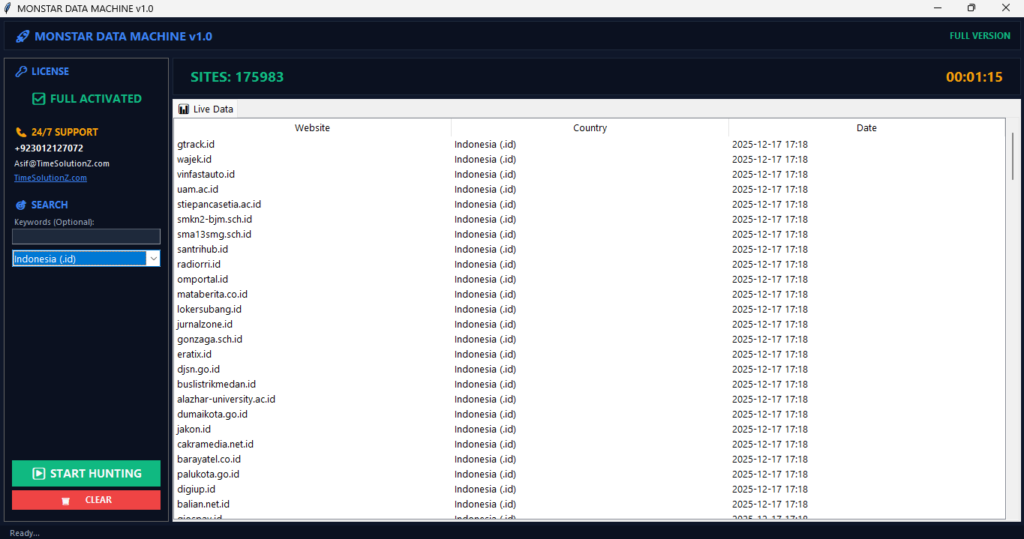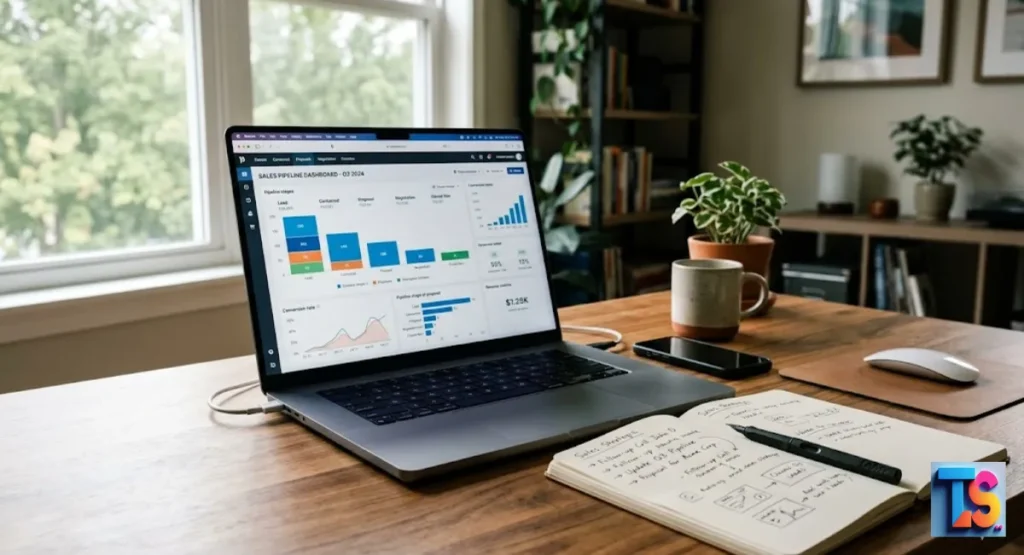
Whether you are hunting for new sales opportunities, performing deep market research, or simply building a list of high-quality leads, the ability to find business websites quickly is a superpower.
Every modern company has a digital home, and knowing how to locate these hubs is vital for your growth. When you need to reach a local boutique or analyze a massive corporation, time is your most valuable asset. Using a professional local business scraper turns days of manual searching into mere minutes of automated effort.
This guide will show you exactly how to source official company domains, verify contact details, and use a bulk domain scraper to boost your lead generation results throughout 2026.
The Quick-Find Matrix (Best Tool for Your Goal)
The best way to do this depends on how much you need. Need one or two contacts? Do it by hand. Need a list of thousands? Doing it by hand will slow you down a lot. You have to pick between human effort and machine speed.
| Metric | Manual Search | Automated Scraping |
| Time Efficiency | Very Low | Very High |
| Data Accuracy | High (if verified) | High (with AI filters) |
| Scalability | None | Unlimited |
| Cost | Low (Time cost) | Moderate (Tool cost) |
2026 Insight: Modern scrapers now use smart checks to stop bad data. This cuts bounce rates by 40% compared to old tools.
Pro-Tip: Look at the search intent before you pick a source. Is it local? Use maps. Global? Use registries.
Why Manual Searches Fail for Bulk B2B Scraping
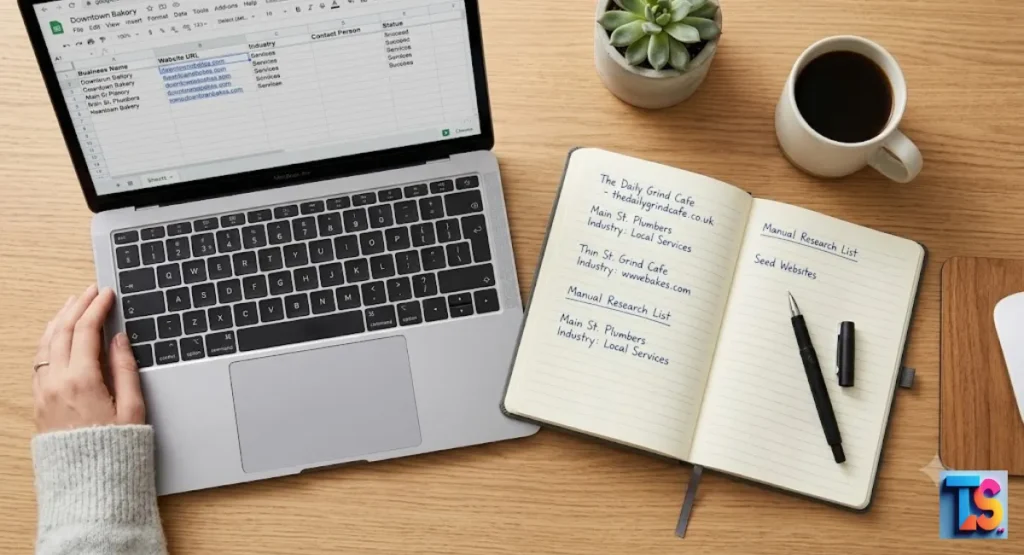
Manual search means you go to a search engine, click links, and copy URLs one at a time. It is slow. It leads to mistakes. If you need data on hundreds of businesses, this is impossible. It takes forever.
The Danger of Phishing and Duplicate Unverified Sites
The internet is full of junk or fake sites. When you scrape, you might collect parked domains, phishing pages, or duplicates. Always check that the site really belongs to the business. Do not waste your time.
The Automation Shortcut: Scraping Thousands of Business URLs Instantly
For real lead generation, automation is the standard. Using a local business scraper lets you skip the boring clicking. It digs deep to ensure every lead is real.
Introducing the Monster Data Machine
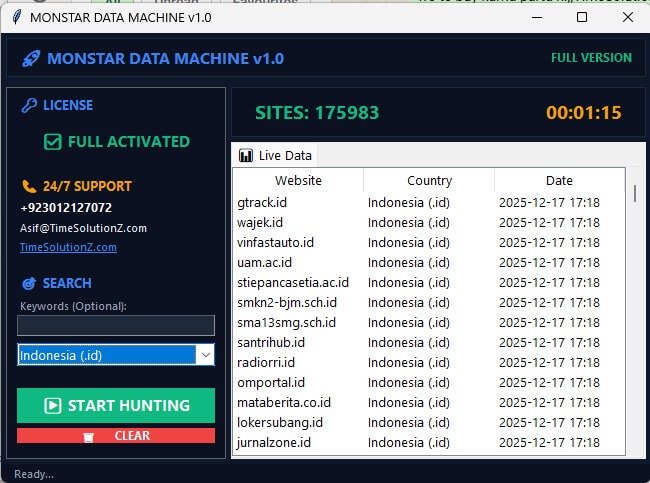
A local business scraper acts like a bridge between raw data and your spreadsheet. In 2026, these tools Monstar Data Machine or Monstar Email Exractor use smart code to crawl search engines. They pull clean, verified URLs and emails in seconds. They are fast. They are powerful.
How to Auto-Collect Niche Domains and Emails in Under a Minute
- Pick your niche and city.
- Put the info into your scraper.
- Run the scan to pull verified URLs.
- Export the data to your CRM.
2026 Insight: New workflows use real-time checks. They make sure the email is active before you even get it.
Pro-Tip: Look for tools with API enrichment. This gives you site info, business size, and the tech they use. It helps you qualify leads faster.
1. Map-Based Search: Finding Local Shops & Service Providers
Maps are the best place for physical locations and their sites.
Mining Google Maps for Verified Digital Fronts
Most local shops keep their Google Business Profile updated. Use a scraper on Google Maps. You get the best link from the owner. This keeps data quality high.
Using Yelp and Apple Maps for Service Contractors
Yelp and Apple Maps have contact info for people like plumbers or landscapers. They might not show up in regular searches. Try them.
2026 Insight: Sites have better security now. But good scrapers act like humans to gather data safely.
Pro-Tip: Start with maps. These are the most accurate spots for local leads.
2. Corporate Registries: Finding Official Sites for Legal Entities
Need to verify a business? Check legal records.
How to Use the Secretary of State (SOS) Portals Securely
Every state has a business registry. Search these to find legal names and website links. Always stay on a .gov site. Be safe.
Unlocking Legal Entity Filings for Domain Verification
Legal papers are the truth. If a company lists a site on tax or legal forms, it is likely real. This is vital before you start your outreach.
2026 Insight: Many states have public APIs now. It is much easier to check if a business is in good standing.
Pro-Tip: Can’t find a site via search? Check the legal filing. They often list the domain of the owner or the parent company.
3. Global Databases: Finding International & Parent Companies
For B2B work with big firms, use global databases.
Searching OpenCorporates for Cross-Border Firms
OpenCorporates is a huge repository of global data. It is great for finding firms that work in many countries. It helps you spot their main web domains.
Tracking Down Elusive Parent Company Websites
A small branch might have a site, but the bosses are at the parent company. Use global databases to map the relationship. Find the right person.
2026 Insight: Linking parent companies to their branches is now 50% faster thanks to better data structures.
Pro-Tip: Use global databases to find the HQ site. That is where the best contact info lives.
4. Professional Networks: Finding Tech, B2B, & Startup Sites
Professional networks are perfect for business data.
Utilizing LinkedIn Company Banners Safely
LinkedIn is a very accurate database. Most companies update their About section with a link to attract talent. It is reliable.
Browsing Local Chamber of Commerce Member Logs
Local Chambers of Commerce keep directories of real, active businesses. These lists are often cleaner than search engines. They are established firms.
2026 Insight: LinkedIn now boosts pages that have verified domains. The data is better than ever.
Pro-Tip: Always check the LinkedIn URL against your scraper results. Make sure they haven’t rebranded.
5. Digital Marketplaces: Finding Established Websites for Sale
Want businesses already active online? Use marketplaces.
Navigating Vetted Brokerages Like Empire Flippers
Sites for sale are pre-vetted. They have real traffic and revenue data. These are perfect targets for high-value B2B outreach.
Spotting Revenue-Generating Digital Assets
Sometimes you will find high-potential businesses that are invisible online. Knowing how to find businesses without websites is a massive competitive advantage.
By identifying these companies, you can reach out with tailored web design or SEO solutions, turning a digital void into a new revenue stream.
Advanced Filtering: How to Clean Your Business Website Lists
Collecting raw data is just the start. You must clean your list for better results. When filtering, use this guide.
| Lead Quality | Domain Rating (DR) | Active Social Profiles |
| Good Lead | High (30+) | Present and Updated |
| Bad Lead | Very Low (<5) | None Found |
Sorting Leads by Domain Rating (DR) and Traffic Volume
Use SEO tools to filter your links. Focus on domains with higher authority. These businesses have a budget for B2B services. Verify the authority to be sure.
The 3-Point URL Security Checklist to Filter Out Scams
- Check for HTTPS: Is the site secure?
- Review for Contact Pages: Real shops have a contact page.
- Verify Social Links: Match the site with official social media.
2026 Insight: Modern filters remove malware sites for you. This keeps you safe.
Pro-Tip: Use a tool to kill links. 100 good leads are better than 10,000 bad ones.
How to Set Up Your Local Scraper Business: Full Activation Guide
To start, you need a plan. First, pick your niche and your city. Next, install a bulk Domain Scraper to handle the heavy lifting. Set up your software with secure API settings. This makes sure every email and URL is real. Finally, test it with a small run. Once it works, scale it up. This is how you build a real business.
Pro-Tip: Treat your work as a pro service. Always show a ‘Verified Status’ column in your files. It builds trust. You can charge more.
FAQs
What if a business doesn’t have an official website?
Some don’t. These firms often use social media or directories. You can still reach out via contact details on Google Maps or Yelp. It is a great way to offer web design services.
How do I find bulk business URLs without manual clicking?
Use a bulk Domain Scraper. These tools let you upload a list of names or locations. They return a list of verified URLs in an Excel file. It is fast.
Are automated Google Maps scrapers safe to use?
Yes. Just use the tools that follow the rules. Good software gathers info quickly while staying within the terms of service.
The bottom line is
Finding business websites is the first step to a good B2B pipeline. Use a local business scraper. Save time. Focus on leads that matter. Start with clean data. Verify your domains. Watch your sales grow in 2026.